

Section layouts
All nine
Every homepage section row is shaped by one #home-* internal tag on its recipe page. This page is the catalogue: the nine layout recipes, plus the #home-ad ad row, which shares the same recipe-page mechanics but renders an advertisement instead of stories. For how recipe pages work and the step-by-step setup, see Homepage sections.
The layouts are listed in precedence order, from #home-feature-package (highest) down to #home-standard-4-column-grid (lowest). If a page somehow ends up with two #home-* tags, the higher-listed layout wins. (#home-ad sits above all nine in the same precedence chain — an ad page tagged with a layout tag too renders as an ad.)
Feature package
#home-feature-packageCinematic hero with gradient text overlay on a large feature image (desktop) + a supporting stack on the right (post 2 as a horizontal card, posts 3–5 as a numbered list with thumbnails). Up to 5 posts. Only posts that have a feature image are eligible — posts without an image are filtered out.
Editor
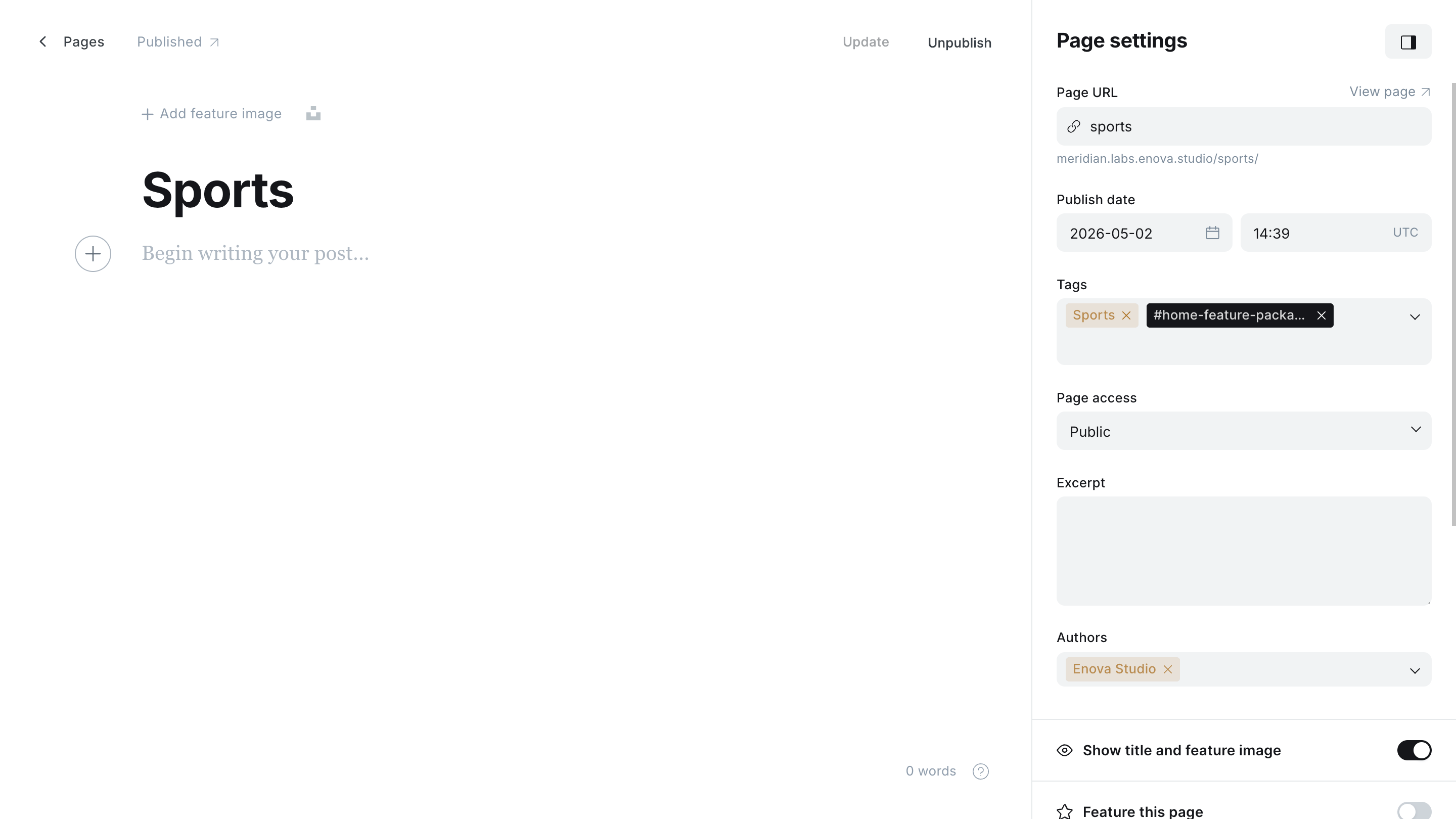
Preview
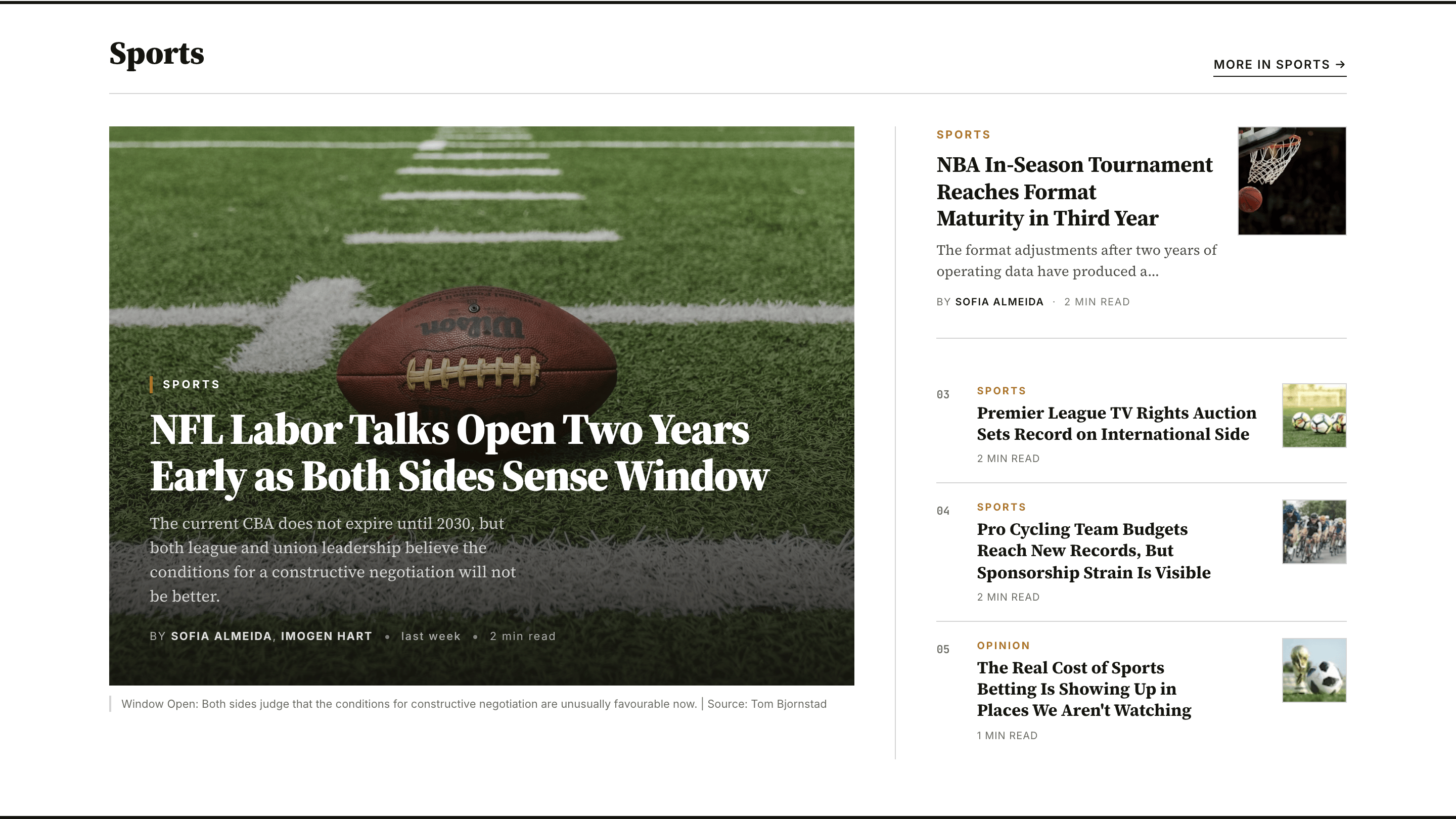
Use for: the lead investigation, a special package, the morning's biggest story.
Feature rail
#home-feature-railA sibling of the feature package: the same cinematic hero with gradient text overlay on the left, but the right column is a uniform vertical stack of four image-right story cards (posts 2–5) rather than one large card plus a numbered list. Up to 5 posts. Like the feature package, only posts that have a feature image are eligible.
Editor
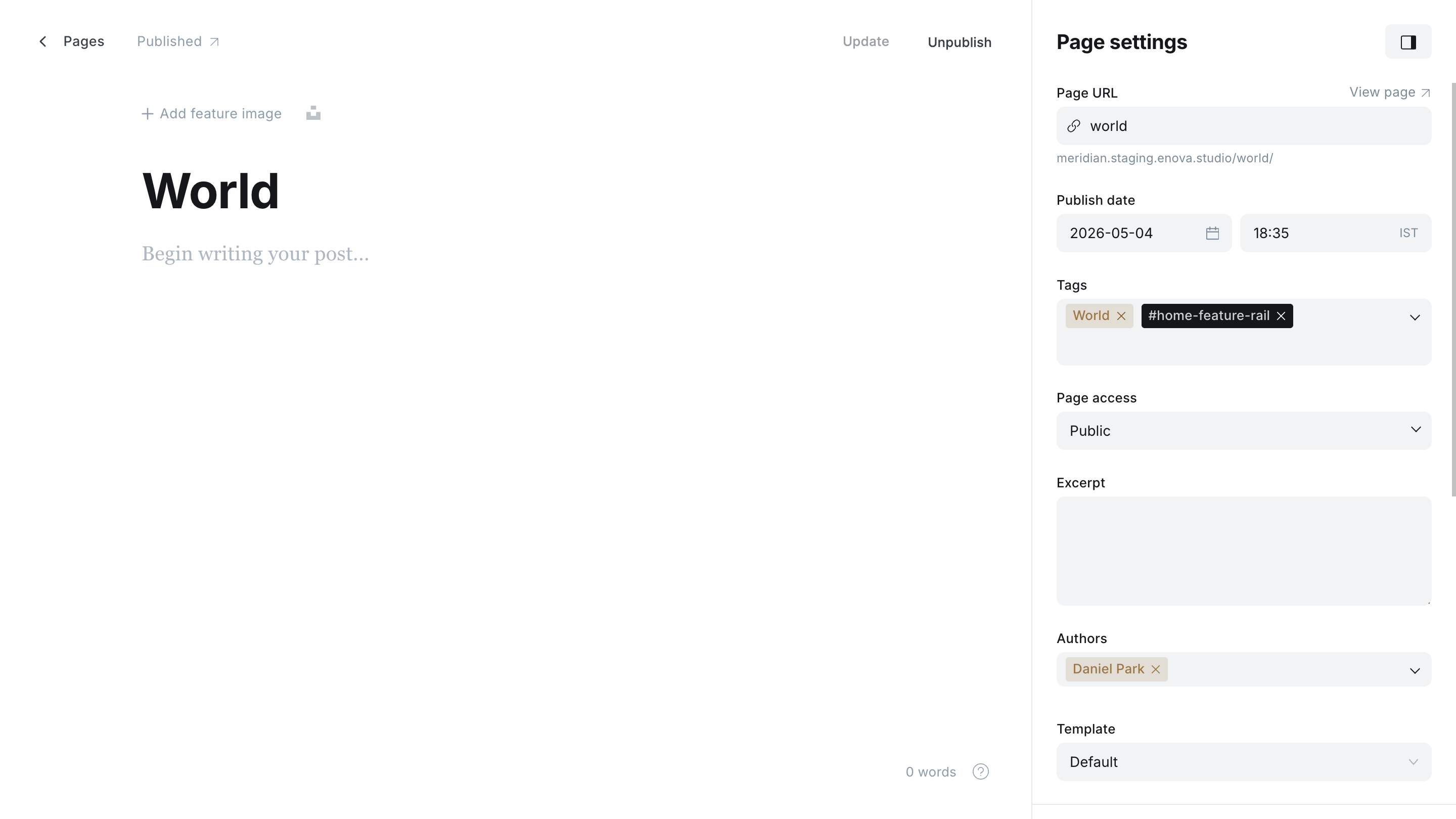
Preview
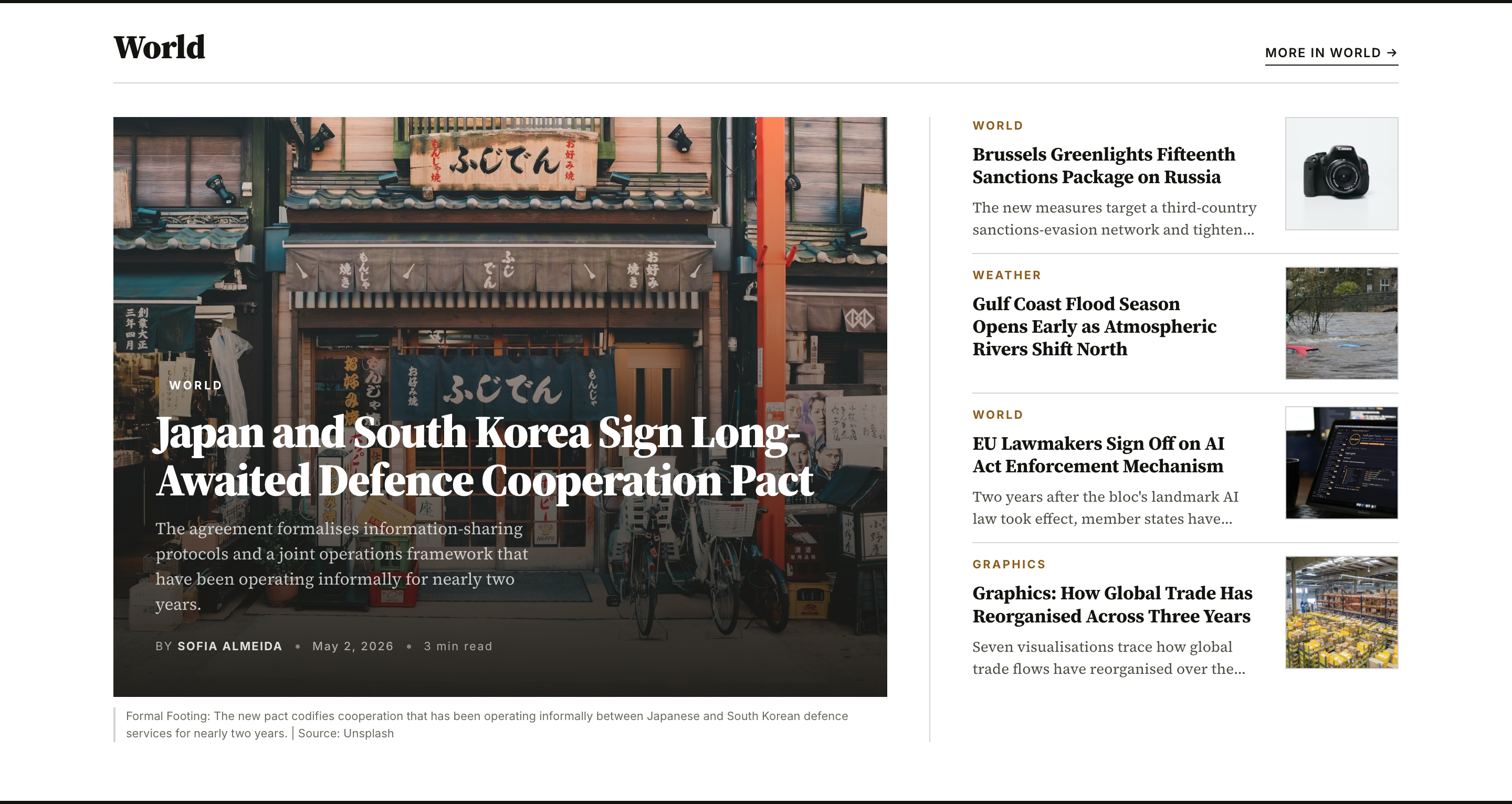
Use for: a flagship desk where the lead deserves a hero but the supporting stories should read as equals rather than a ranked countdown.
Briefing
#home-briefingImage-less morning bulletin / digest. Up to 9 posts in a responsive 1 / 2 / 3 column grid; each item is a compact card with a small thumbnail (or section eyebrow when there's no image).
Editor
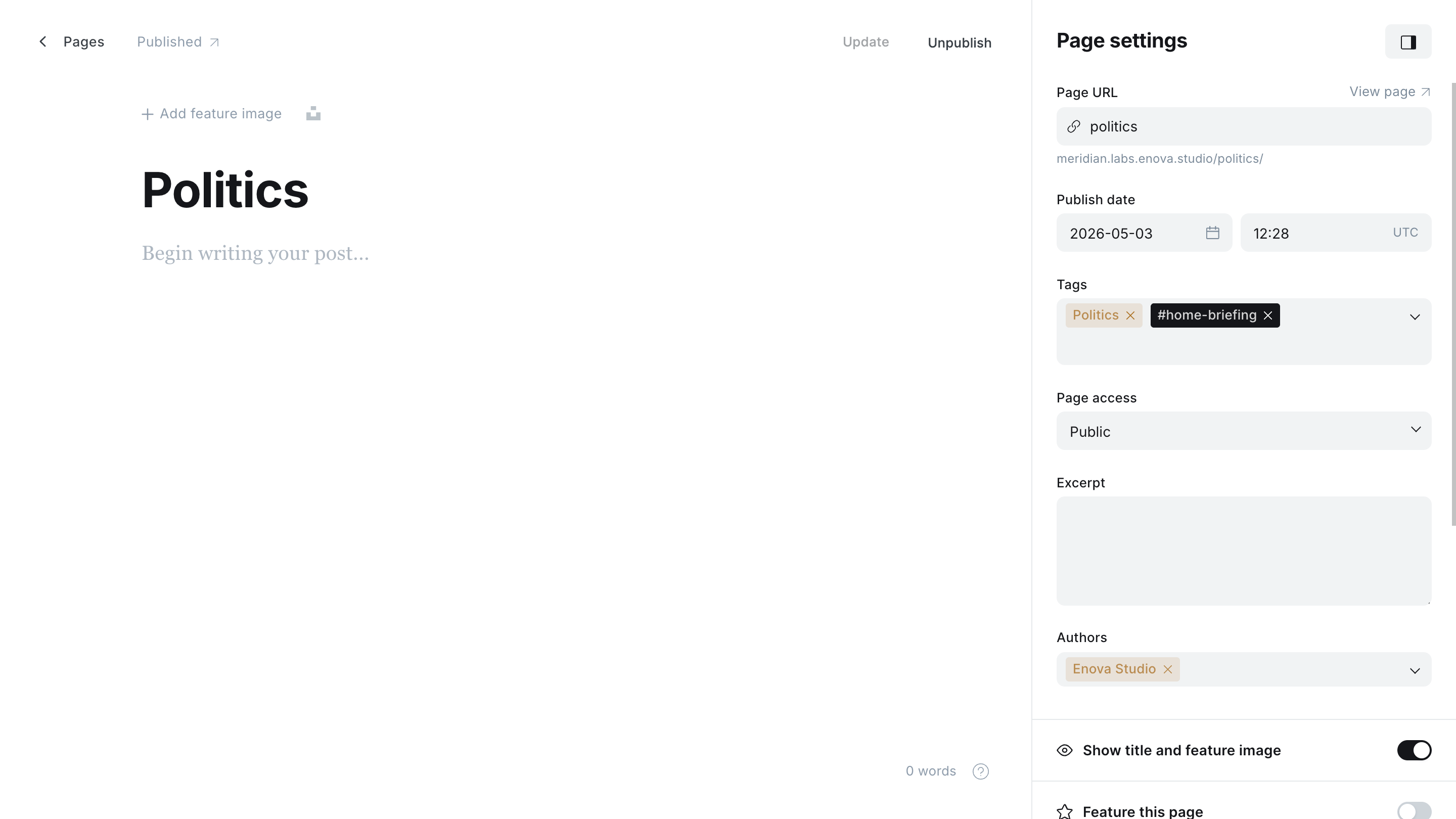
Preview
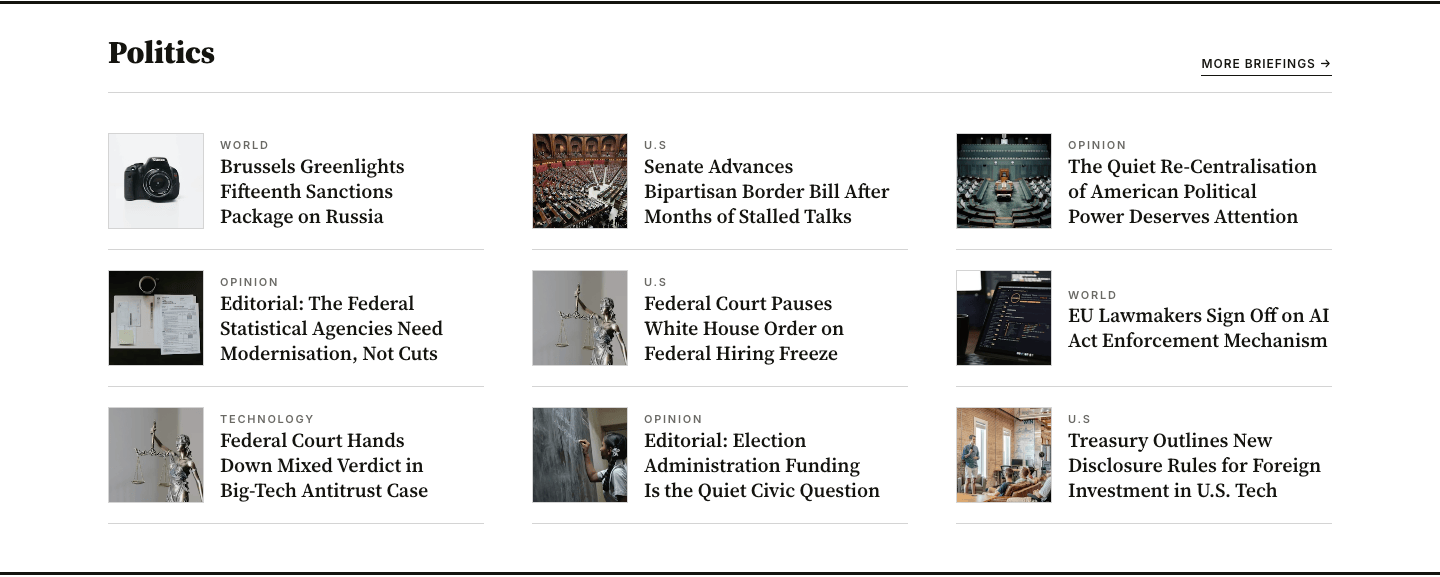
Use for: roundups, daily briefings, "what you missed overnight", market openings.
Briefing carousel
#home-briefing-carouselThumb-row briefing cards in a horizontal scroll-snap track — three cards visible on desktop, slide for more. Up to 27 posts. Same morning-briefing voice as #home-briefing, but trades the static stack for a carousel when you want to surface a deeper queue.
Editor
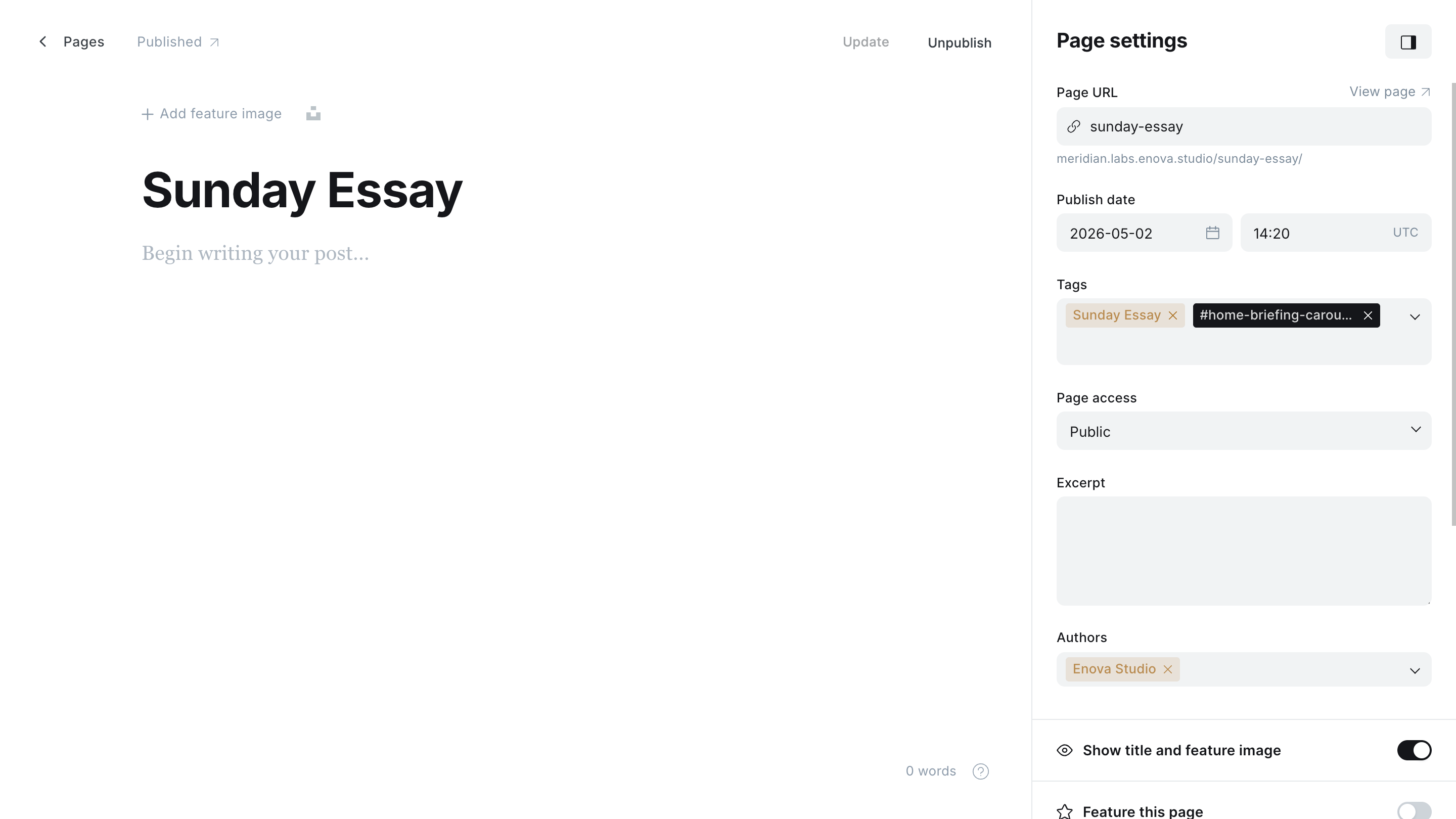
Preview
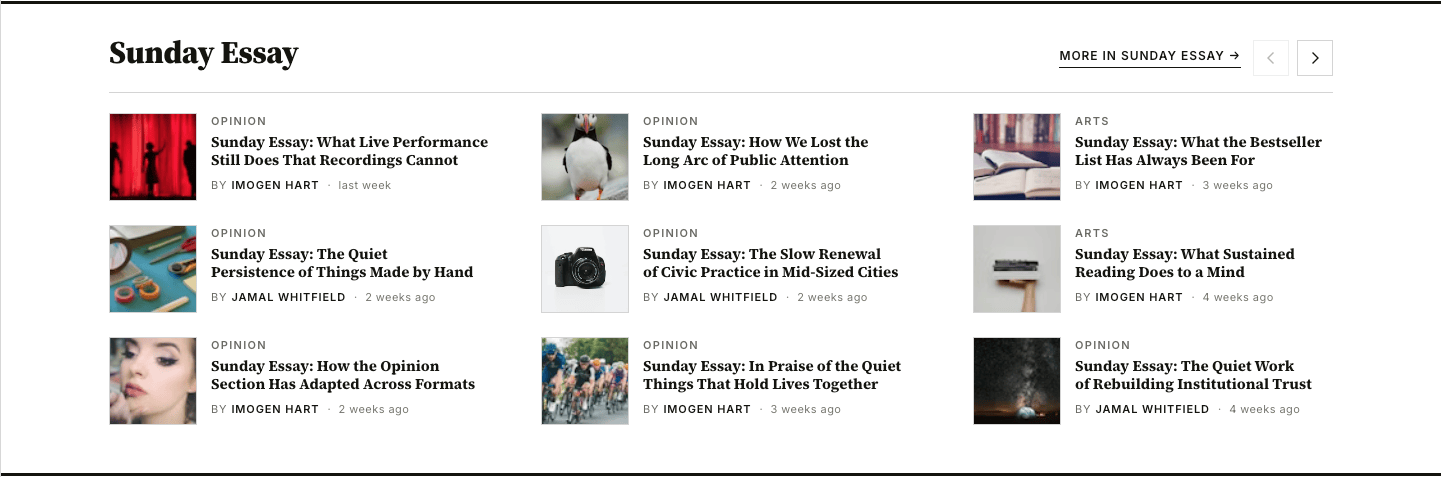
Use for: longer briefings, "the morning queue", any section where you have more entries than a static stack can hold without growing the homepage too long.
Asymmetric lead + list
#home-asymmetric-lead-listLead post + secondary list. Left column: a hero with feature image (post 1) followed by two sub-cards (posts 2–3) underneath. Right column: a compact thumb-row list (posts 4–12, up to nine items, hairline-separated). The classic Markets / Politics layout — one lead, the rest as headlines.
Editor
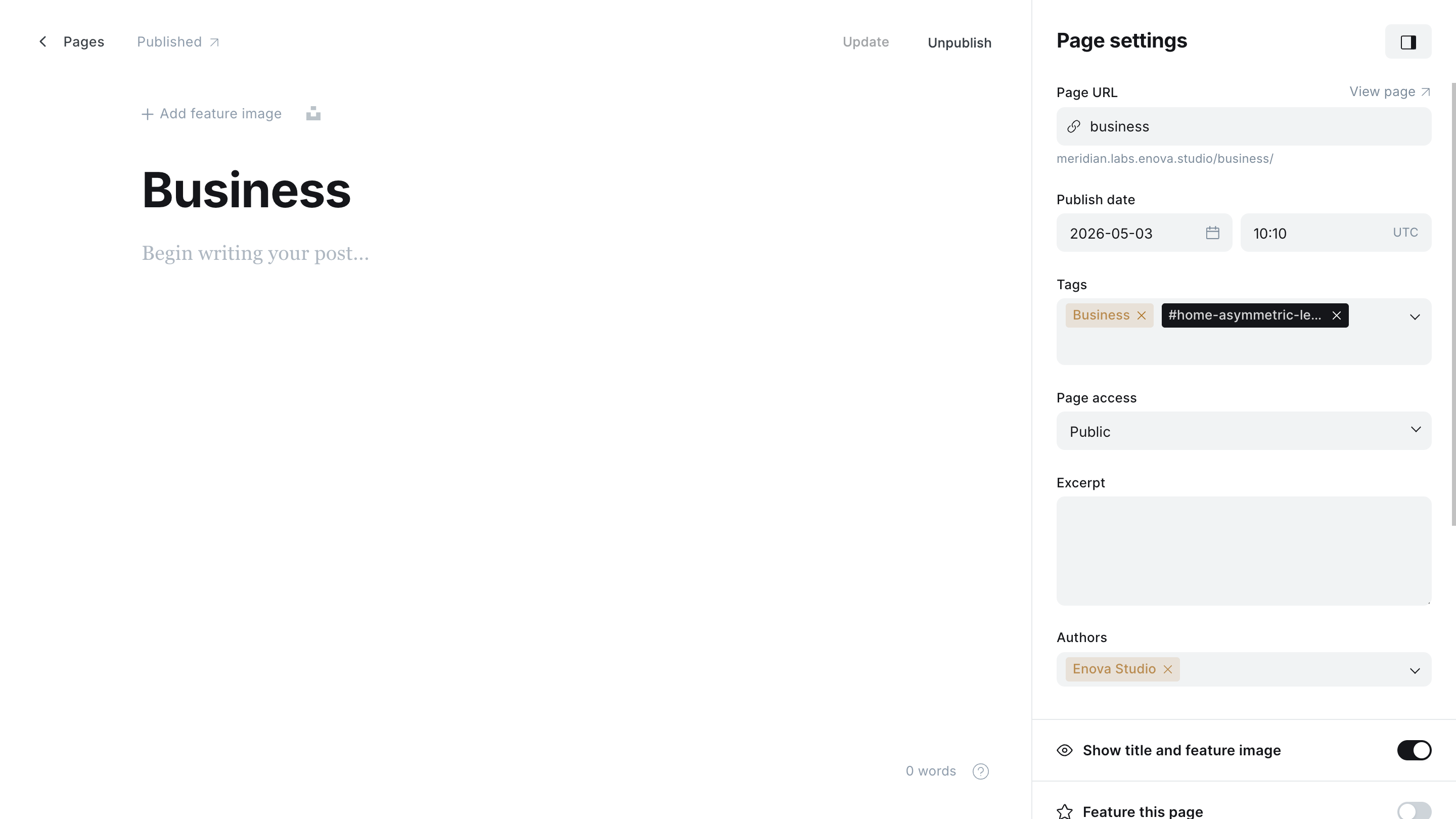
Preview
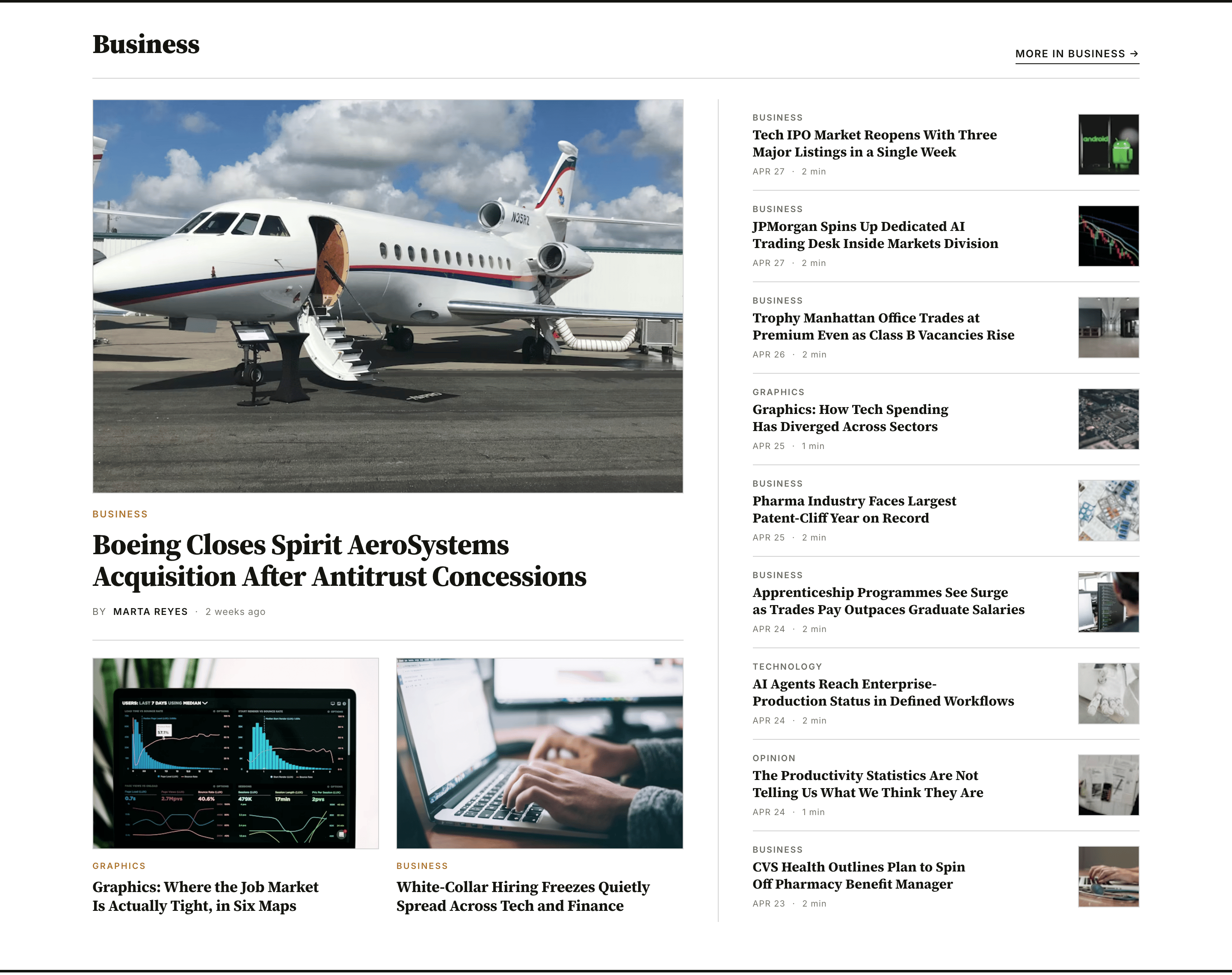
Use for: a vertical desk (Markets, Politics, Sports) where one story leads and the rest are headlines.
Opinion hedcut
#home-opinion-hedcutColumnist cards in a 1 / 2 / 3 column grid (up to 6 columnists), each card showing the author's profile image (or a hedcut placeholder if no image), the column title in italic display serif, and the byline. Designed for opinion sections where the byline is the brand.
Editor
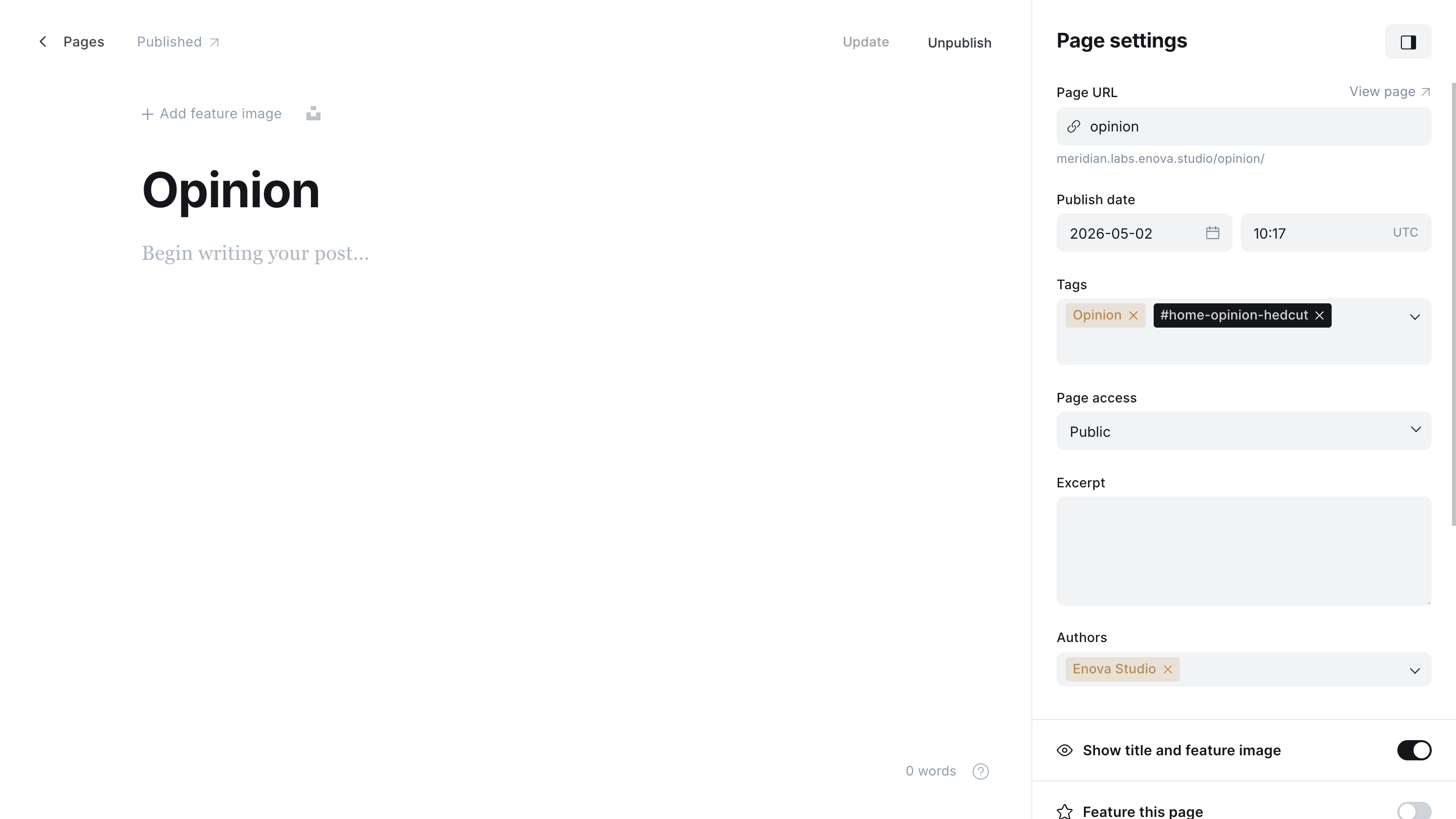
Preview
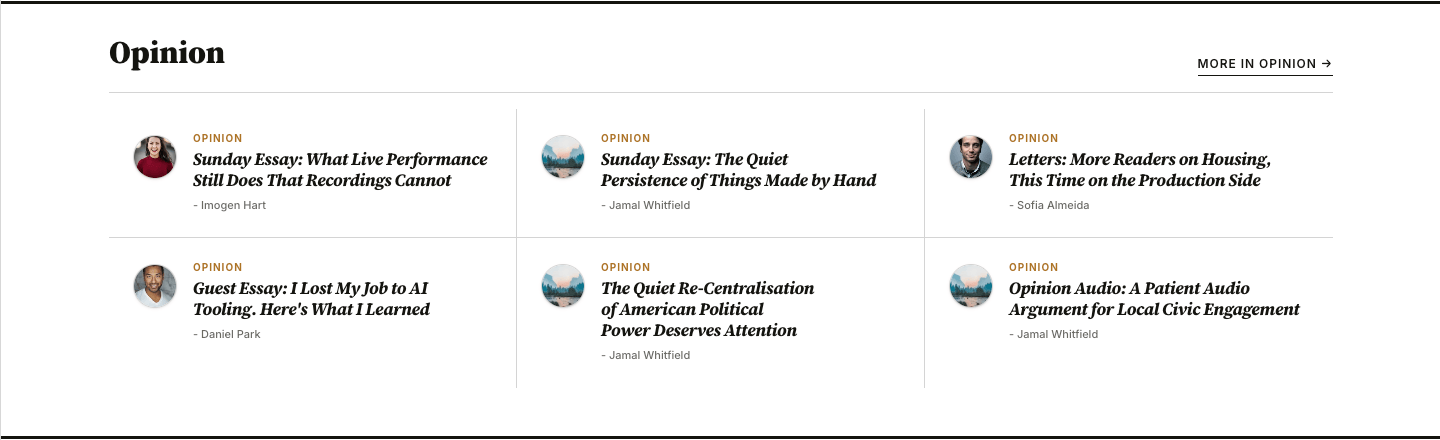
Use for: the Opinion / Editorial / Commentary desk where the byline is the brand.
Tag columns
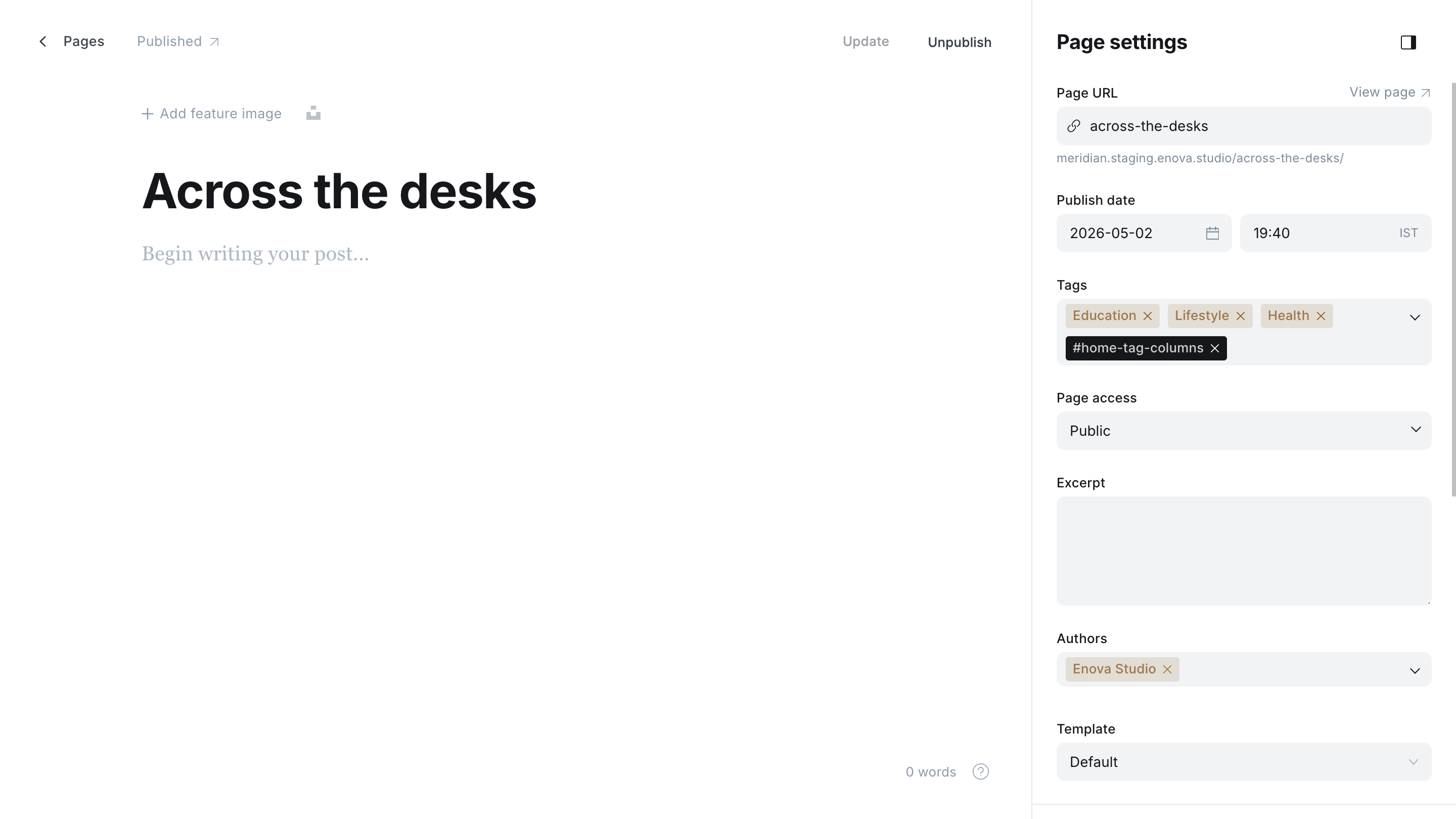
#home-tag-columnsN parallel columns — one column per public tag attached to the recipe page itself, in editor-set order. Each column shows that tag's five newest posts: a lead with feature image at the top, then four hairline-separated headlines below. Up to four columns visible on XL screens.
This is the only layout that does not use the page's primary tag to pull posts. Instead, every public tag you add to the recipe page becomes its own column, and the column header links to that tag's archive. The page's custom excerpt renders as a small eyebrow above the columns; if you leave it blank, the eyebrow is omitted.
Editor
Preview
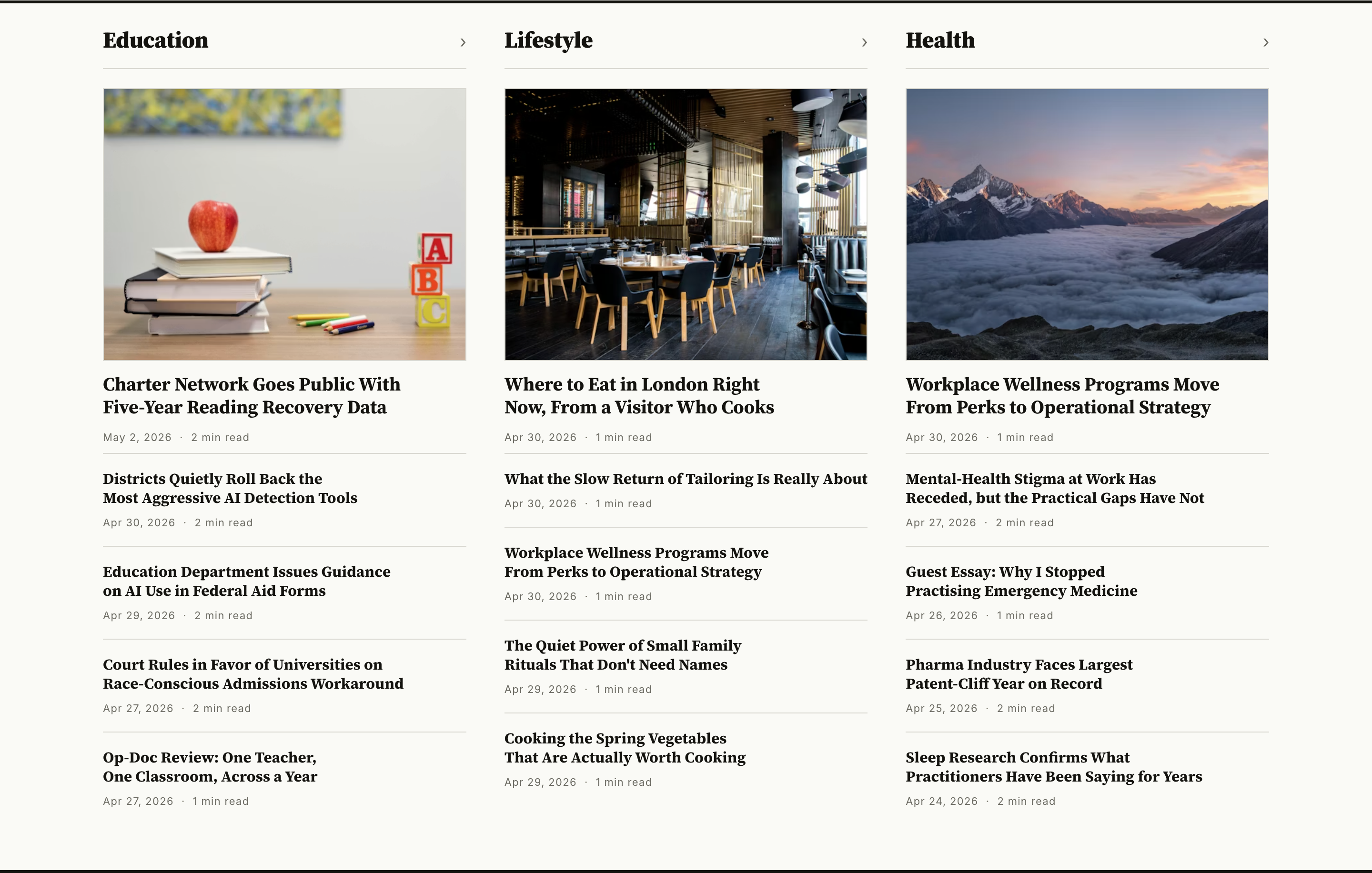
Use for: a section row that mirrors a navigation list — "Education / Lifestyle / Health" side by side, each column a live feed of its newest stories. The recipe page itself is just a tag carrier; tag order matches the column order.
Standard 3-column grid
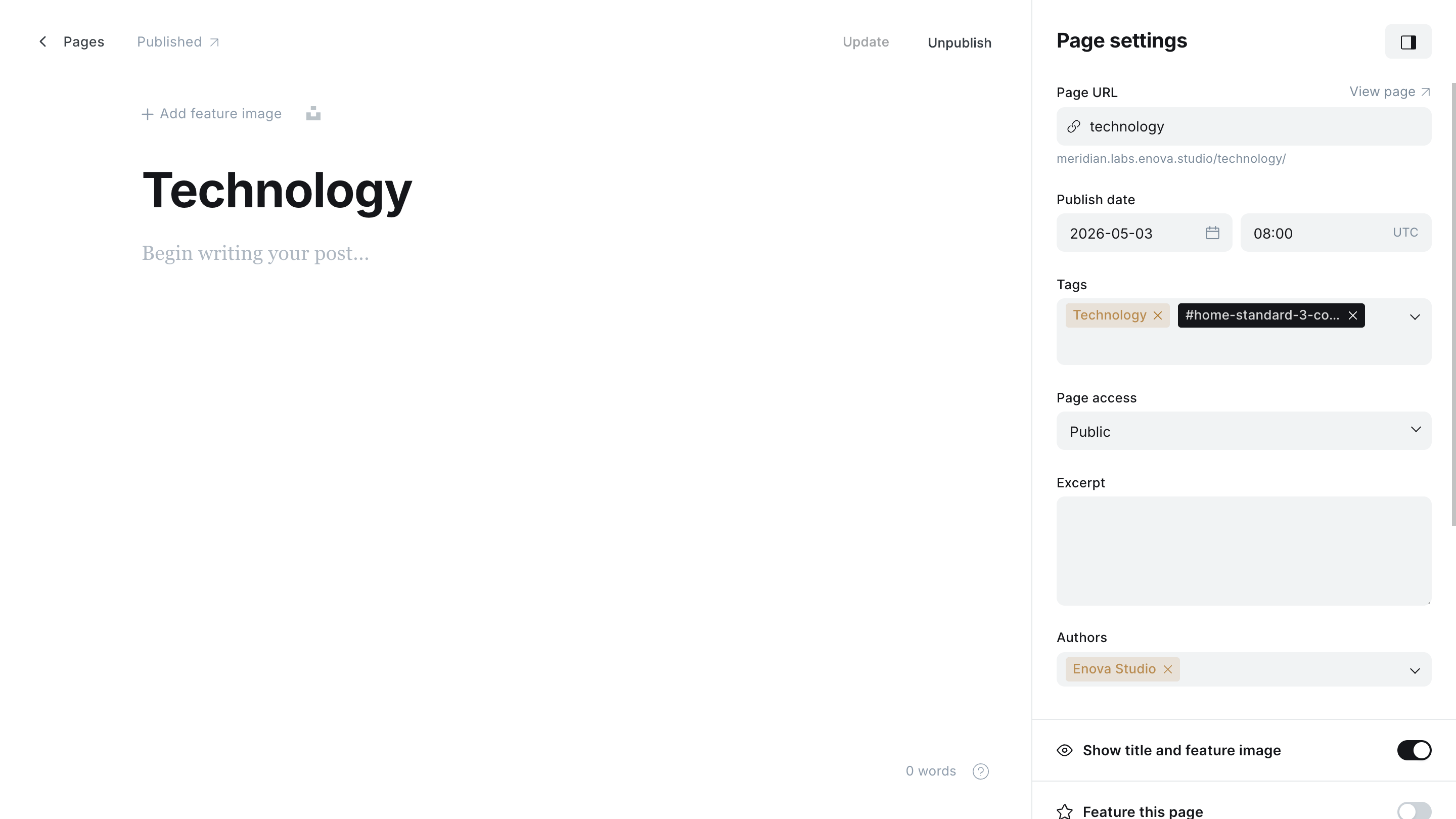
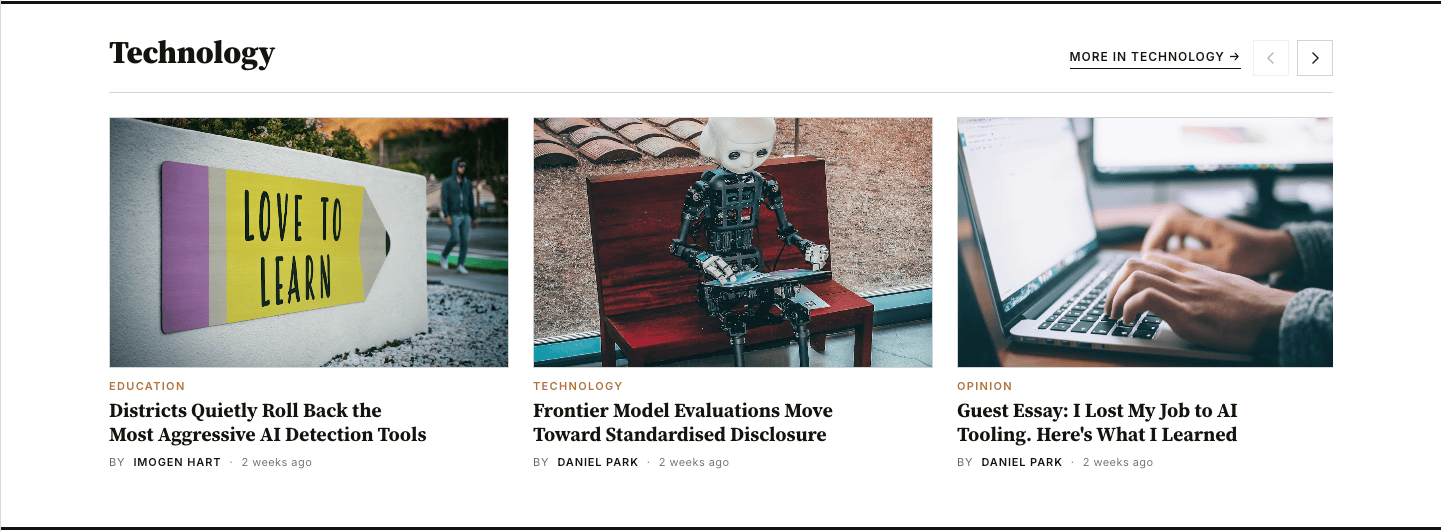
#home-standard-3-column-gridA horizontal scroll-snap carousel of image-top cards — three cards visible on desktop, slide for more, up to 9 posts. Same arrow controls as the Editor's Picks strip and the briefing carousel. Despite the name, it isn't a static three-up grid — it's a paginated carousel that surfaces three cards at a time. For a denser four-across version on wide screens, see #home-standard-4-column-grid below.
Editor
Preview
Use for: general news, features, anything that doesn't fit a more specialized layout.
Standard 4-column grid
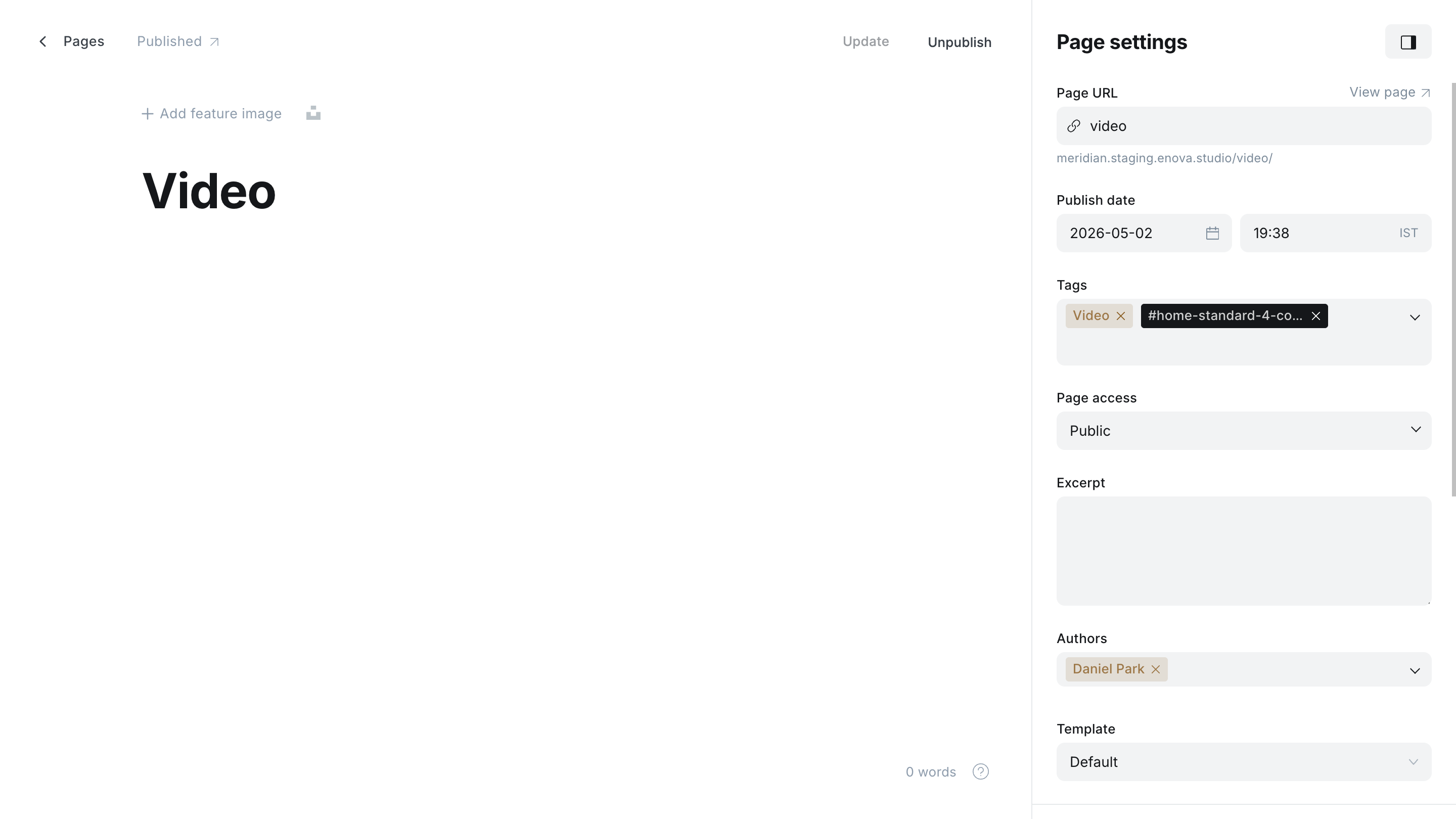
#home-standard-4-column-gridA wider sibling of #home-standard-3-column-grid: the same horizontal scroll-snap carousel of image-top cards, but four cards visible on desktop instead of three (three on tablet, one-with-peek on mobile). Up to 9 posts, same arrow controls. Reach for it when a desk has a deep queue you want to read denser on large screens.
Editor
Preview
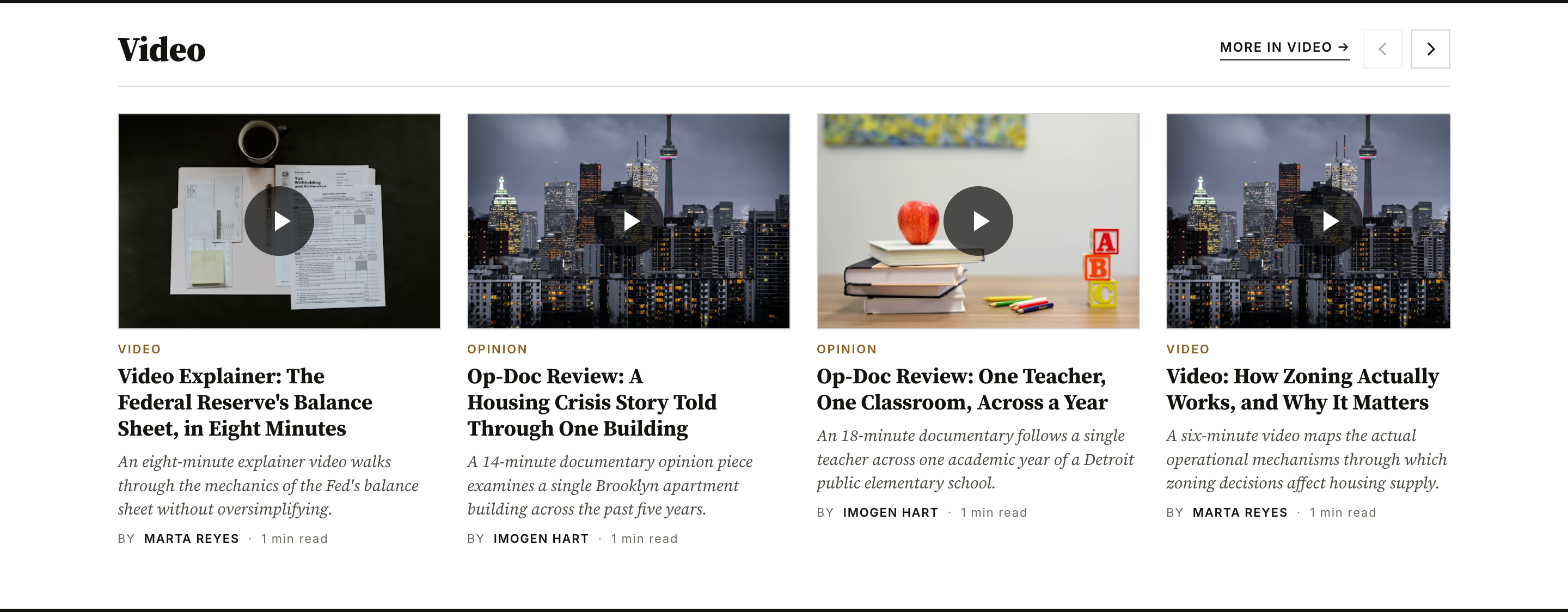
Use for: high-volume desks (Tech, Culture, Sports) where four across reads better on a wide screen than three.
Safe-default fallback
If a recipe page is tagged with one of the #home-* tags but the partial somehow can't match it (e.g. mid-rename), Meridian renders a quiet 3-up static grid using the page's primary tag, limit 3. This is the silent fallback so a malformed page never breaks the homepage.
The ad row: #home-ad
#home-adNot a story layout, but it lives in the same recipe-page system — and it sits first in the precedence chain, above all nine layouts. A page tagged #home-ad becomes an in-feed advertisement row between homepage sections: the page's body (an image banner or ad-network code) renders inside a labelled ad frame instead of a posts query. No primary tag is needed, and you can create several #home-ad pages and order them by publish date like any other row. The whole row is removed for paying members, divider and all.
The creative workflow — image banners, desktop + mobile pairs, AdSense code, and the Enable ads master switch it depends on — is covered in Ads.
Opening a recipe page directly
Every published Ghost page has its own URL, and recipe pages are no exception — a reader following an old link, or a search engine crawler, can land on /your-recipe-page-slug/ directly. Because the body of a recipe page is empty, that URL used to render as a blank shell.
Meridian fixes the reader experience automatically: open a recipe page at its own URL and it renders the exact same section row it contributes to the homepage — the curated headlines, in the right layout — plus a breadcrumb and a "Back to the front page" link. The URL is a real, useful page, not an empty one.
Keeping recipe pages out of search results
By default these pages are indexable like any other. If you'd rather search engines didn't list them — they're layout config, and the homepage and tag archives are the surfaces you actually want ranked — add a noindex tag to each recipe page individually:
Open the recipe page in the Ghost editor.
Open the editor sidebar — the settings panel in the top-right corner of the editor.
Scroll down and click Code injection.
Paste this into the Page header field (the one that injects into {{ghost_head}}):
<meta name="robots" content="noindex, follow">Save the page.
noindex, follow keeps that one page out of the index while still letting crawlers follow its links to the underlying posts. Repeat this for each recipe page you want excluded.
Use the page's code injection, not the site-wide one
Do this on the individual page, via the editor sidebar. Do not paste noindex into Ghost Admin → Settings → Code injection — that's the site-wide header and would deindex your entire site.
Optional: set a Canonical URL
As an alternative (or in addition), open the recipe page's settings → Meta data → Canonical URL and point it at the matching tag archive (or your homepage). This consolidates link signals onto the surface you want ranked — useful if a recipe page ever picks up inbound links. Note that this field does double duty: when set, the row's "More in" link on the homepage points at the same URL (see Renaming or retargeting the "More in" link).
Homepage sections
Build Meridian's homepage section rows from Ghost pages — one recipe page per row, a
Sections page
A custom page template that turns a single Ghost page into a topic hub. Add the tags you want to feature, and each one renders as an editorial section with its name, description, archive link, and latest stories.