

Newsletter
Signal's homepage newsletter signup — always shown, with optional custom wording from a page slugged newsletter-cta.
The Newsletter section is the email signup near the bottom of your homepage. It's always there — no setup needed — and by default reads:
A quiet email, every new episode New episodes, the moment they land. Nothing else.
If that suits you, you're done. If you'd like your own wording, you can override it.
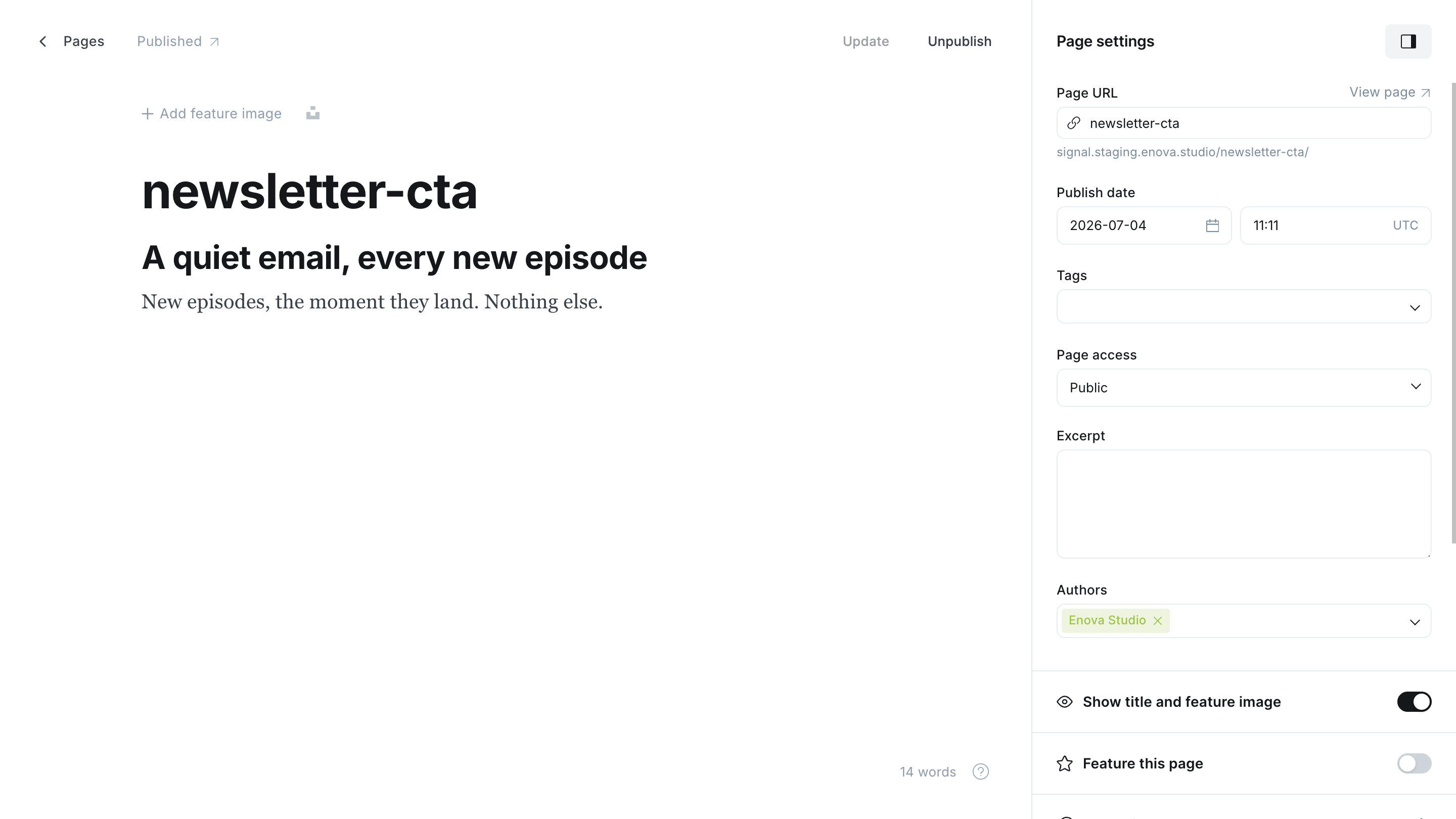
Newsletter CTA Editor
Newsletter
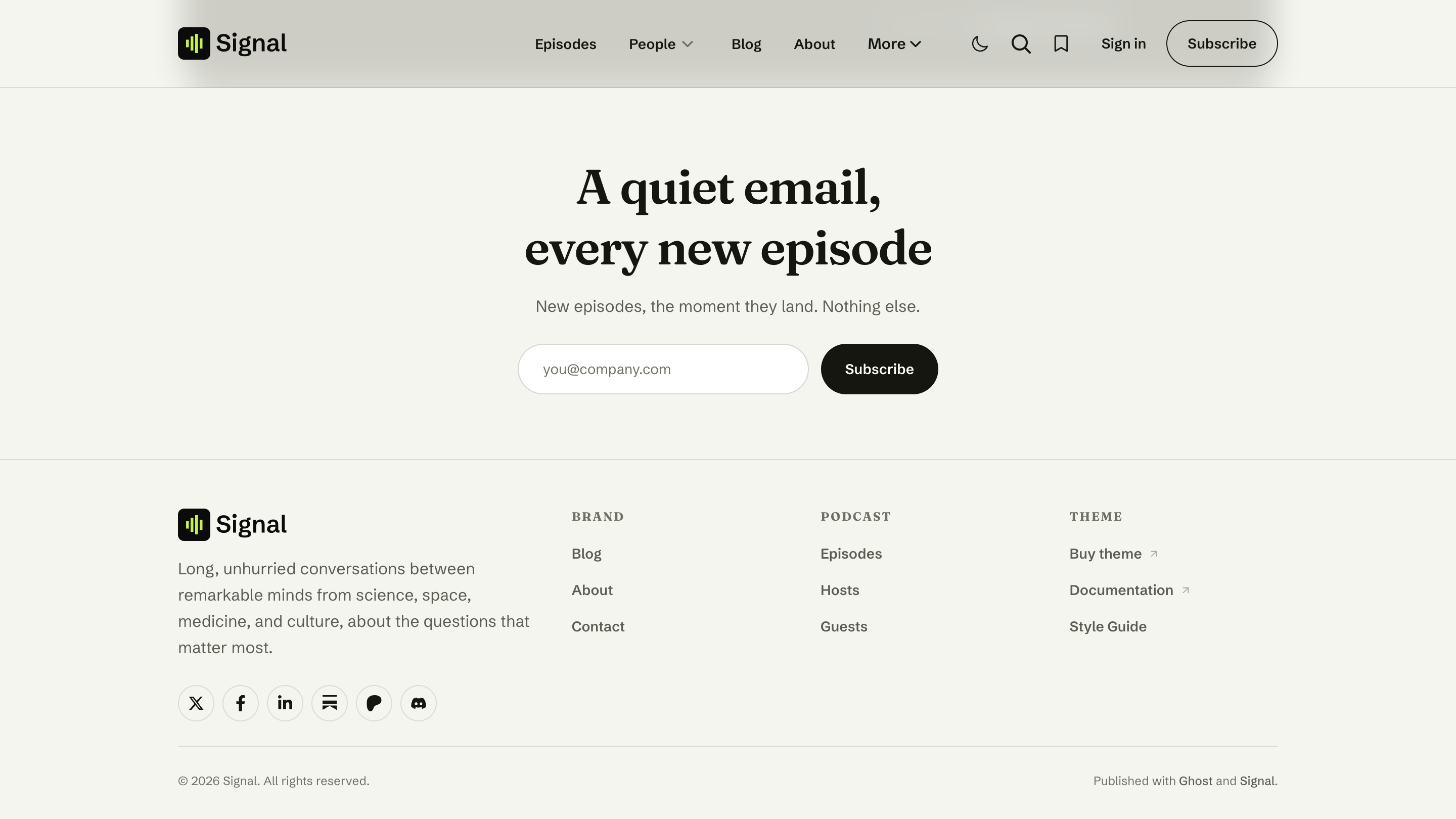
Customize the wording
Write your own heading and message by publishing a page slugged newsletter-cta:
In Ghost Admin, create a new Page and set its URL slug to newsletter-cta (open the page settings and edit Page URL).
Write your heading and message in the page body — use a heading and a paragraph, just as you want them to read.
Publish the page. The homepage newsletter section now uses your wording instead of the default.
Only the wording changes
The signup form itself stays the same — you're just replacing the heading and message above it. You don't need this page at all unless you want custom copy.
The signup form
- If memberships are enabled in Ghost, visitors get an email box and a Subscribe button right there on the page.
- If memberships aren't enabled yet, the whole newsletter section is left off the homepage. Turn memberships on in Ghost → Settings → Membership and it appears.
Manage the newsletter in Ghost
Who receives the newsletter, the sender address, and the email design are all managed in Ghost → Settings → Email newsletter. See Membership.
Related
- Membership — newsletters, sign-in, and members-only content.
- Homepage overview — the full section stack.