

Search
How visitors find things in Signal — Ghost's native site search, in-transcript search on an episode, and the A–Z guest filter on the Guests page.
Signal offers three kinds of search, each for a different job.
Site search
The search icon in the header opens Ghost's built-in search, which finds posts (episodes) and pages across your whole site. It's also offered on the 404 page as a quick way back in.
Site search is a native Ghost feature — there's nothing to configure, and results stay current automatically.
Transcript search
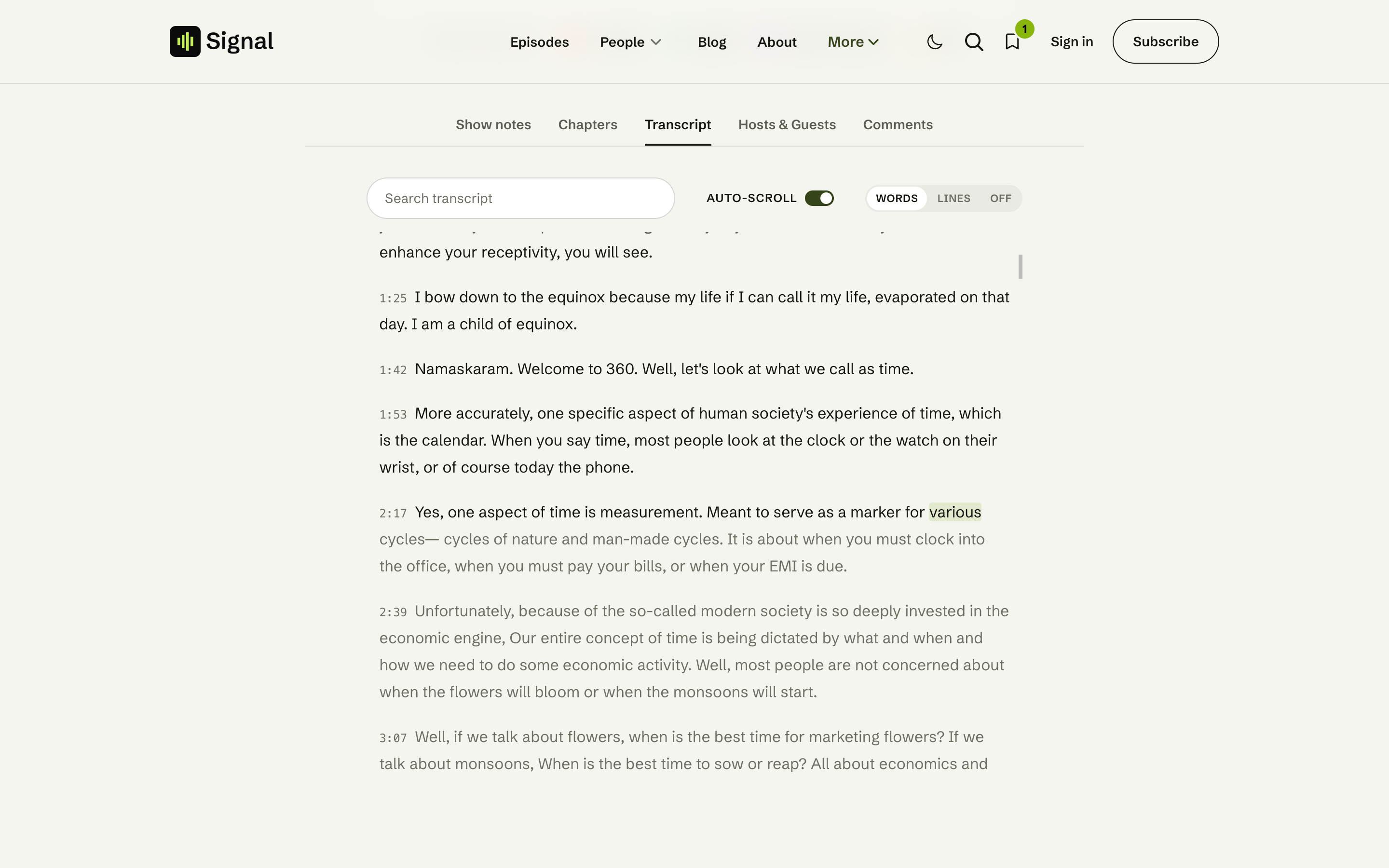
On an episode with a transcript, the Transcript tab has its own search box that filters the transcript to matching lines — handy for finding the exact moment a topic comes up, then clicking to jump there. See Transcripts & chapters.
Guest search
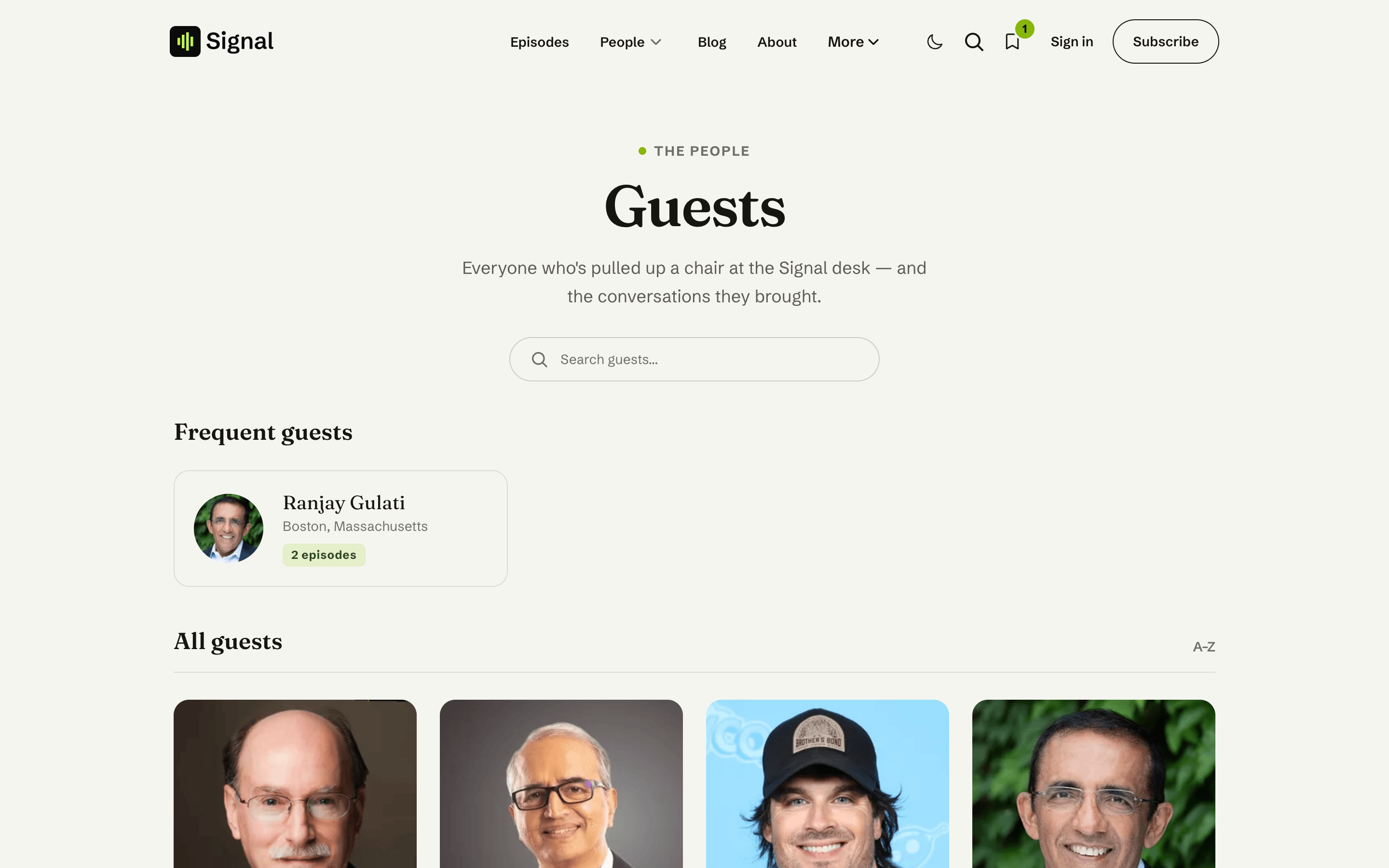
The Guests page (/guests/) has an A–Z name filter. Start typing and the guest grid narrows to matching names; the "Frequent guests" strip steps aside while you search, and a friendly empty state shows if nothing matches. It runs entirely in the browser, so it's instant. See Guests.
Related
- Transcripts & chapters — per-episode transcript search.
- Content model — how guests and episodes are organised.
Transcripts & chapters
Add a tappable chapter list and a searchable, click-to-seek transcript to any episode using two code blocks in the post body — by hand or generated with Signal Tools.
Listen links
Show where to follow your podcast — Apple Podcasts, Spotify, YouTube, RSS and 20+ more — across the homepage, episodes, the subscribe page and footer, set once in Code Injection.