

About the show
Add the About the show panel to Signal's homepage by publishing a Ghost page slugged about.
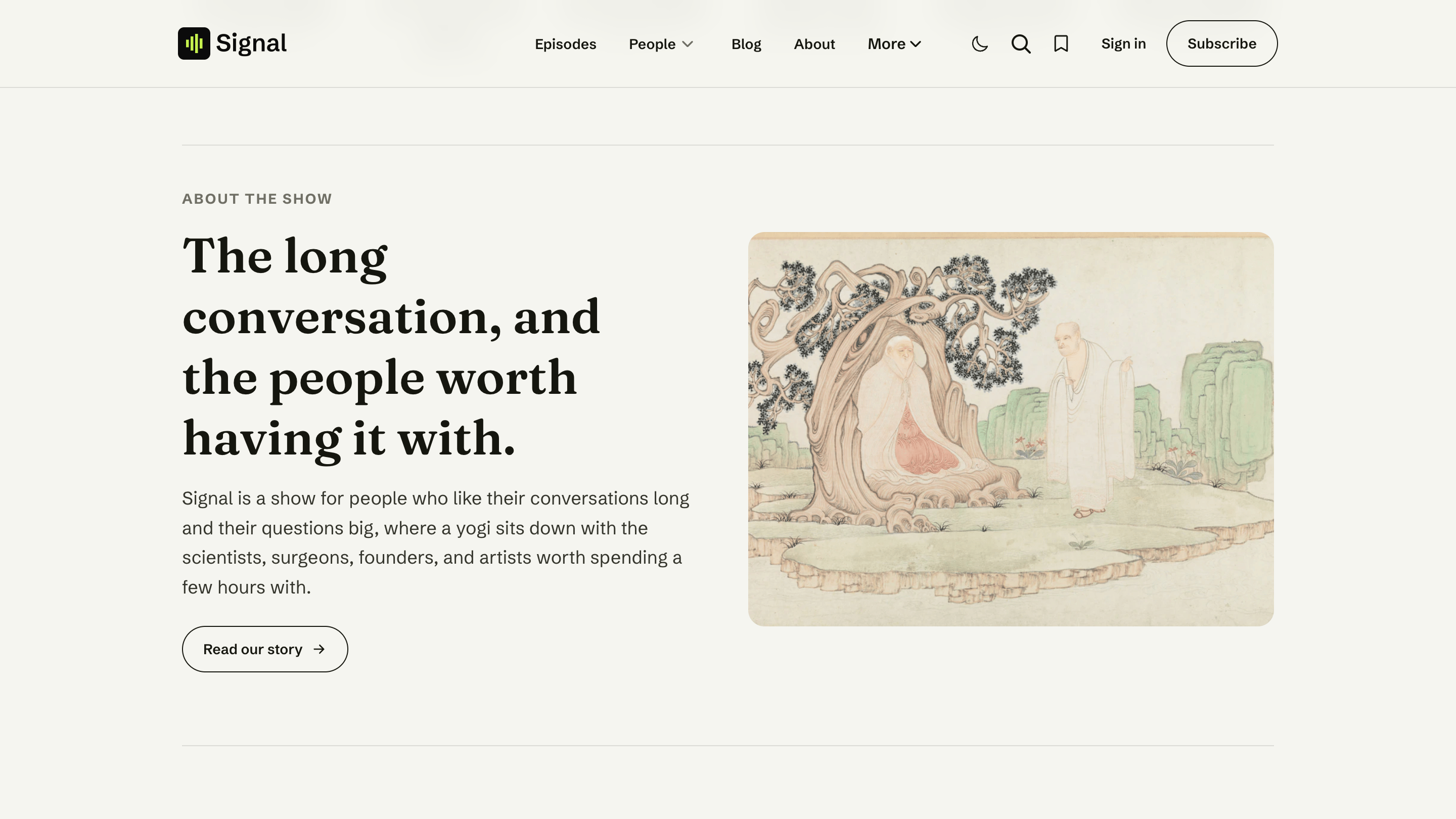
The About the show panel is a short "who we are" block partway down your homepage — a headline, a sentence or two, an image, and a button through to your full story. It appears as soon as you publish a page with the slug about.
Set it up
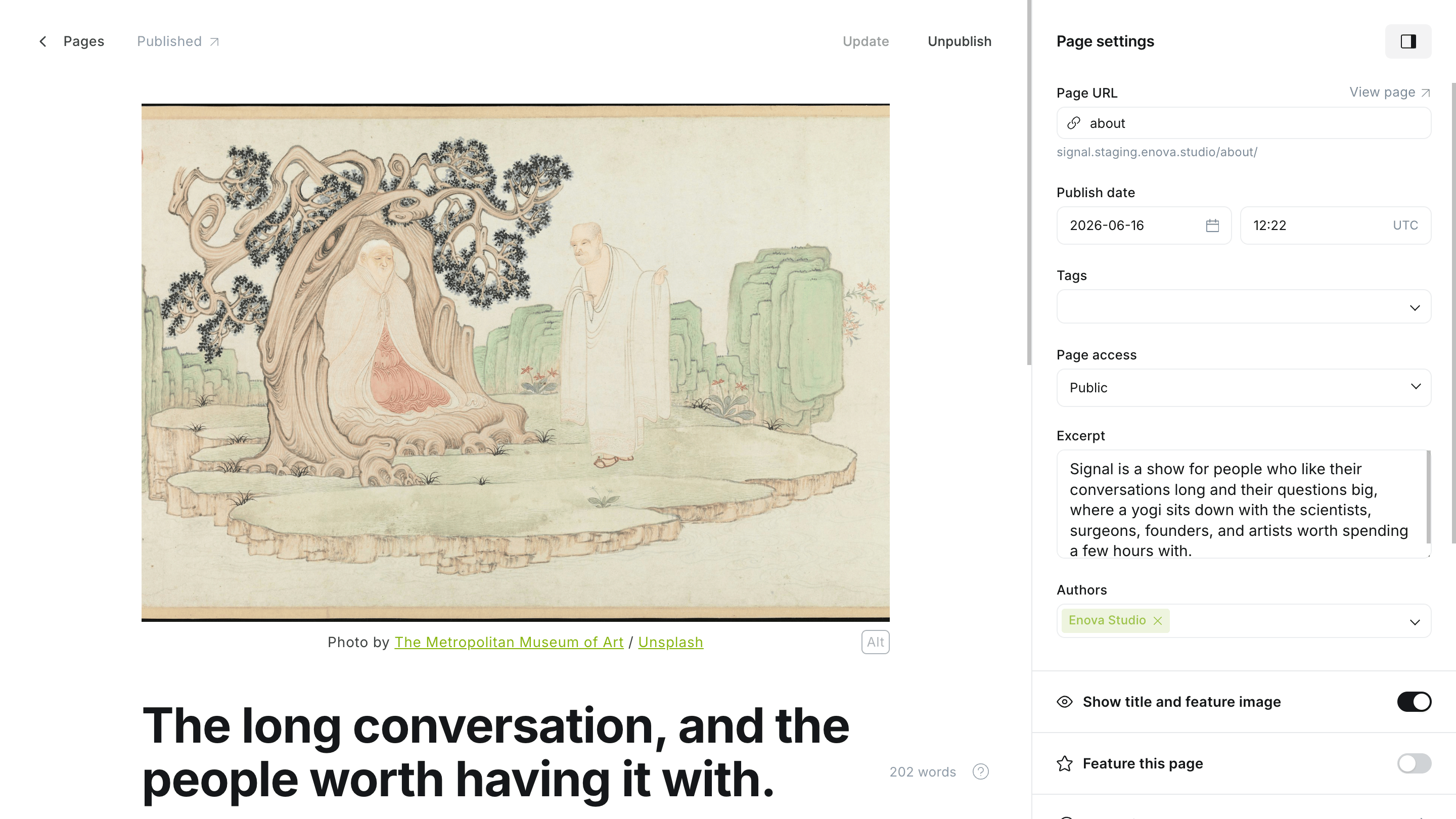
In Ghost Admin, create a new Page and set its URL slug to about (open the page settings and edit Page URL).
Give it a title — this becomes the panel's headline (for example, "Conversations that go deeper").
Add an excerpt — one or two sentences that become the intro text. (Open page settings → Excerpt.)
Add a feature image — a studio shot or show artwork that sits beside the text.
Write your full story in the page body — this becomes the actual About page that the panel's Read our story button links to.
Publish the page. The About the show panel now appears on your homepage.
In Ghost Admin
On your homepage
Good to know
The panel shows your title, excerpt, and image
The homepage panel uses the page's title, excerpt, and feature image. The page body is your full About page — readers see it after they click Read our story, not in the homepage panel.
No about page, no panel
If there's no published page slugged about, the section simply doesn't appear. Add the page whenever you're ready.
Related
- Pages — other special pages you can create.
- Homepage overview — the full section stack.
Hosts & guests
How the Meet the hosts and Recent guests homepage sections are built from your Hosts page roster and guest authors.
What listeners say
Show your reviews, listener quotes, and press mentions on Signal's homepage by publishing a Ghost page slugged testimonials with one Product card per quote.