

Video posts
Tag any post `#video` to turn it into a video post with a click-to-play hero and a persistent mini-player that follows the reader down the page.
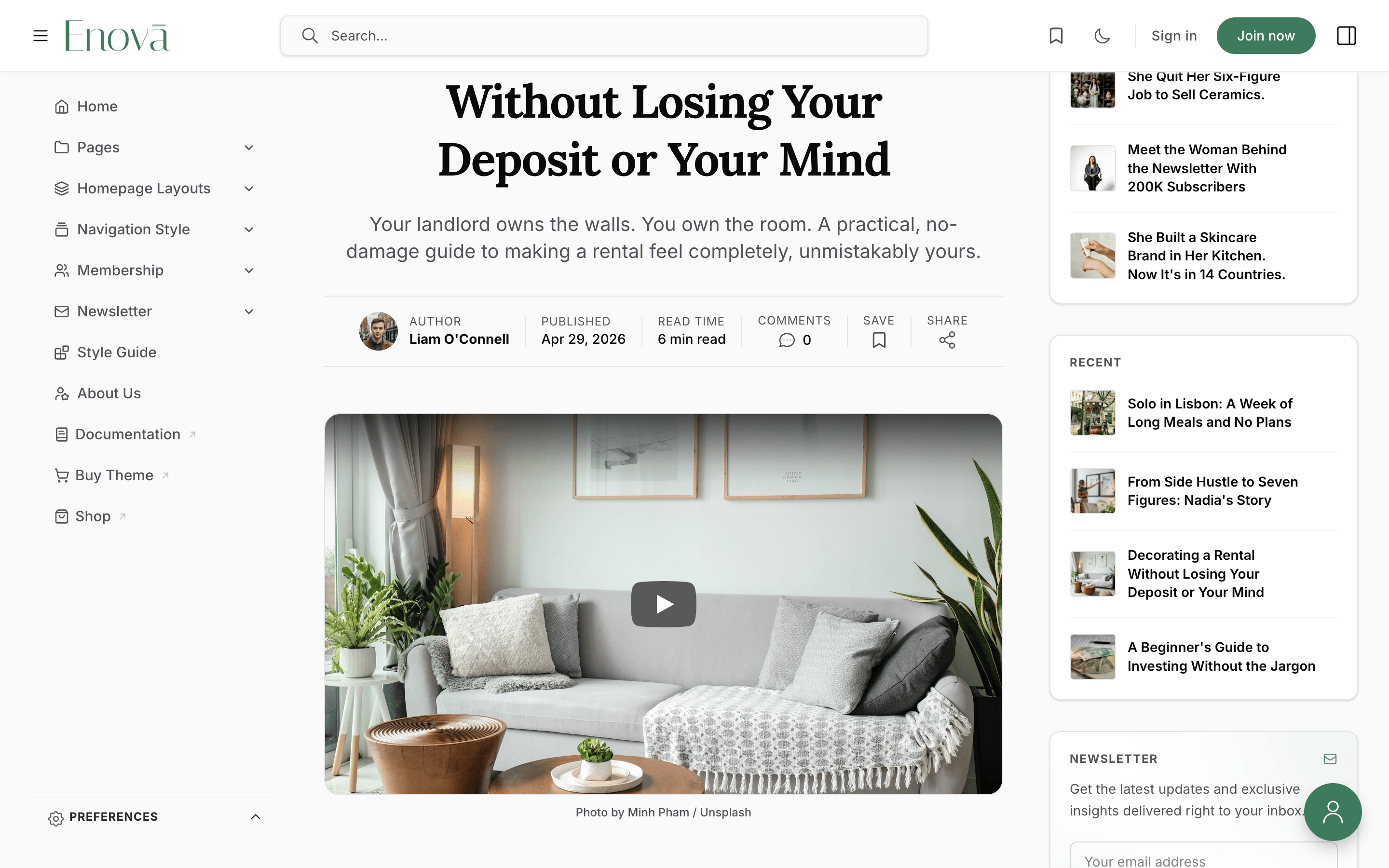
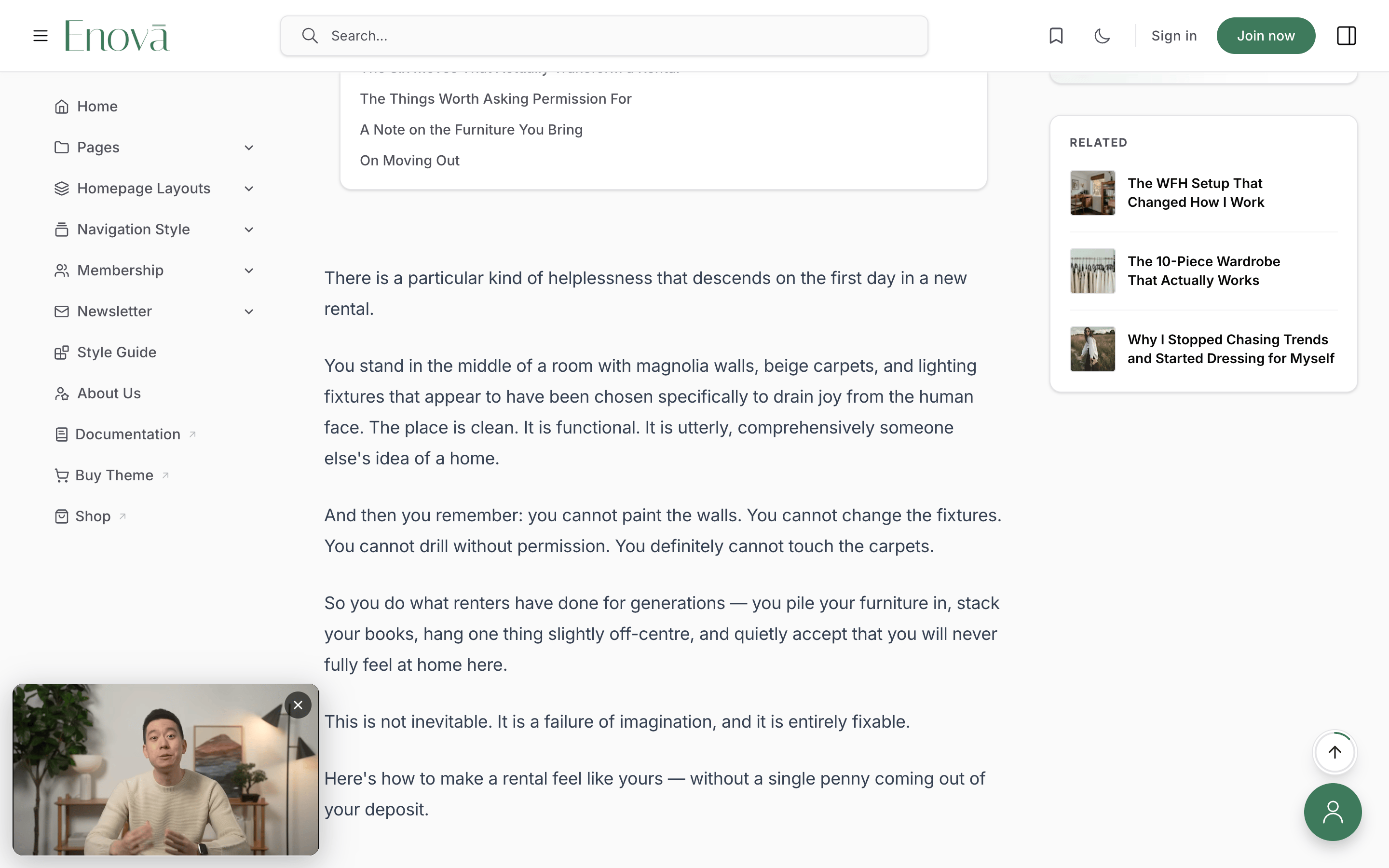
Enova has first-class support for video posts driven by a single internal tag: #video. Add it to any post and Enova hoists the first uploaded video card (or YouTube or Vimeo embed) from the post body into the hero slot above the headline, swaps the feature image for a click-to-play poster, and — once the reader scrolls past the playing video — docks a small mini-player at the corner of the screen so they can keep watching while they read.
The mini-player anchors to the same viewport corner on every page and every sidebar configuration, the way readers expect from YouTube, Vimeo, and similar players. It steps out of the way the moment the mobile menu opens. No configuration required — the feature is always on, gated entirely by the tag.
Editor
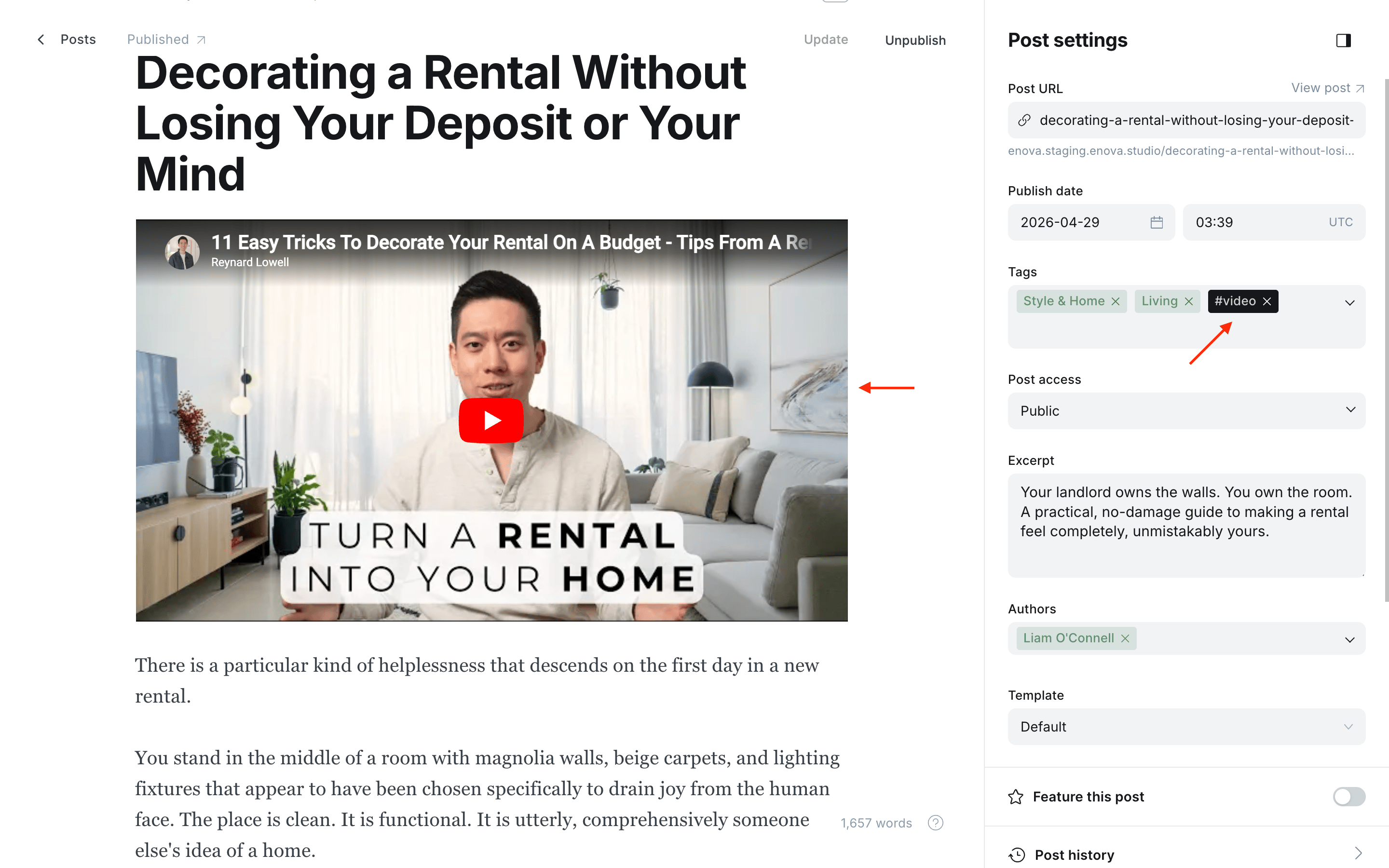
Post Cards
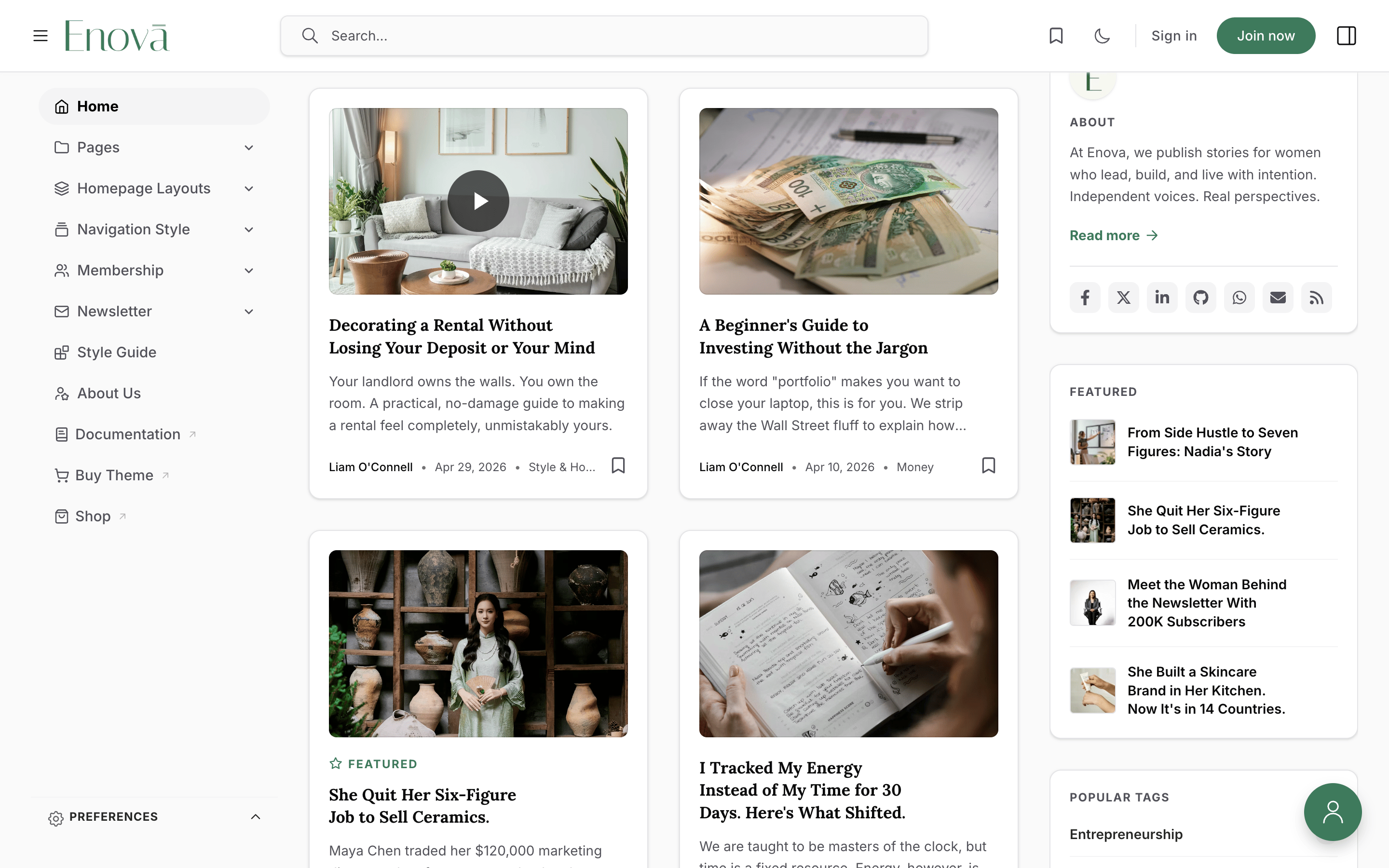
Post Player
Post Mini Player
Internal tags stay out of public archives
Tags whose name starts with # are Ghost-internal — they exist for editorial workflow but don't show up on tag archive pages, the public tag list, or reader-facing chrome. They still trigger theme behaviour, which is exactly what we want for #video. #video is one of Enova's post hero layouts; see Editorial conventions for the full set of internal tags.
Setup
Open a post in Ghost Admin.
Add an uploaded video card or a YouTube or Vimeo embed card anywhere in the post body — the first one Enova finds in document order wins.
Set a Feature image — it doubles as the poster on the post page and the play-badge thumbnail in feed cards.
Open Post settings and add the internal tag #video.
Update and preview.
Supported sources
- Uploaded Ghost video (
.mp4,.webm,.ogg). - YouTube (
youtube.com,youtu.be,youtube-nocookie.com). - Vimeo (
vimeo.com,player.vimeo.com, including channel and group URLs).
Twitch, Wistia, Loom, and other providers keep their default responsive embed in the body — they don't hoist into the hero.
Vimeo thumbnails
For Vimeo videos, the feature image shows briefly as a placeholder, then Vimeo's official thumbnail replaces it once the Vimeo API responds. The feature image is still used for the post card and social-share previews. If you want the two to match, set the same image as both the post's feature image and the Vimeo video's thumbnail.
The mini-player
The mini-player docks at the bottom-left corner of the viewport (bottom-right in right-to-left languages), 12 px from the edge, on every page and every sidebar configuration. The position is constant so readers always know where the dismiss control will be.
The opposite corner is left clear for Ghost's Portal account button, so the two never overlap.
- Mobile menu: the moment the hamburger drawer opens, the mini-player disappears so the menu has the whole screen; it reappears when the menu closes. Audio keeps playing throughout.
- Portal modals: when a reader opens signin, signup, or account from Ghost's Portal button, the modal's full-screen backdrop temporarily covers the mini-player. The video keeps playing — close the modal and the mini-player reappears.
The dismiss button on the mini-player pauses the video and removes the player; press Escape while the player is docked for the same effect.
Feed cards get a play badge
Every post card that renders a feature image automatically picks up a small ▶ overlay on the thumbnail when the post is tagged #video. Screen-reader users hear the post title followed by "Video". No extra setup required.
Fallback behaviour
If you tag a post #video but the body contains no uploaded video and no YouTube or Vimeo embed, Enova falls back to the normal feature-image hero. There's no broken state and authors see a single console warning during preview:
[enova] #video post has no uploaded video or YouTube embed in body — falling back to feature image.If the post has no feature image either, the hero shows a neutral placeholder instead.
Performance
- Videos don't autoplay — playback always starts on the visitor's click. This respects browser autoplay policies and keeps bandwidth usage at zero until the reader actually wants to watch.
- YouTube embeds in the body are upgraded to a lightweight
<lite-youtube>facade so YouTube's heavy iframe only loads when clicked. - The mini-player uses pure CSS to dock — the video element itself is never re-parented, so YouTube playback never restarts when the player slides into the corner.
Reduced motion
Visitors with prefers-reduced-motion: reduce see no slide-in animation on the mini-player and no hover transition on the play button.
Table of Contents
Enova's adaptive table of contents — inline at the top of the article, sticky in the sidebar — and the internal tags that disable each mode.
Newsletter Archive
A premium archive at /newsletters/ with five layouts, a year jump-rail, progressive load-more, sticky month chips, and native RSS.