

Subscribe
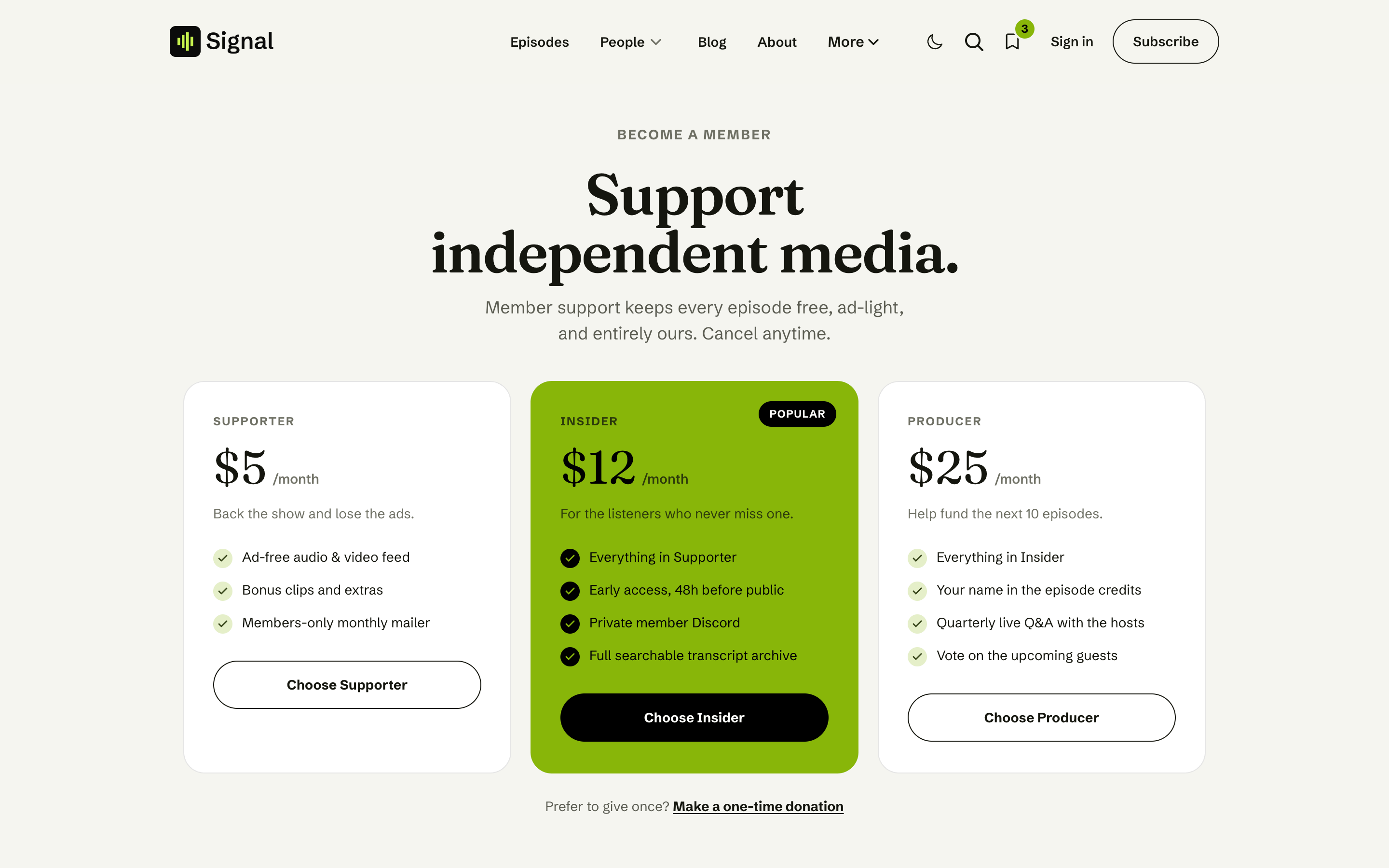
Signal's Subscribe page, built from your Ghost data. Membership tiers with a Popular badge, a one-time donation link, your listen links, and the newsletter signup.
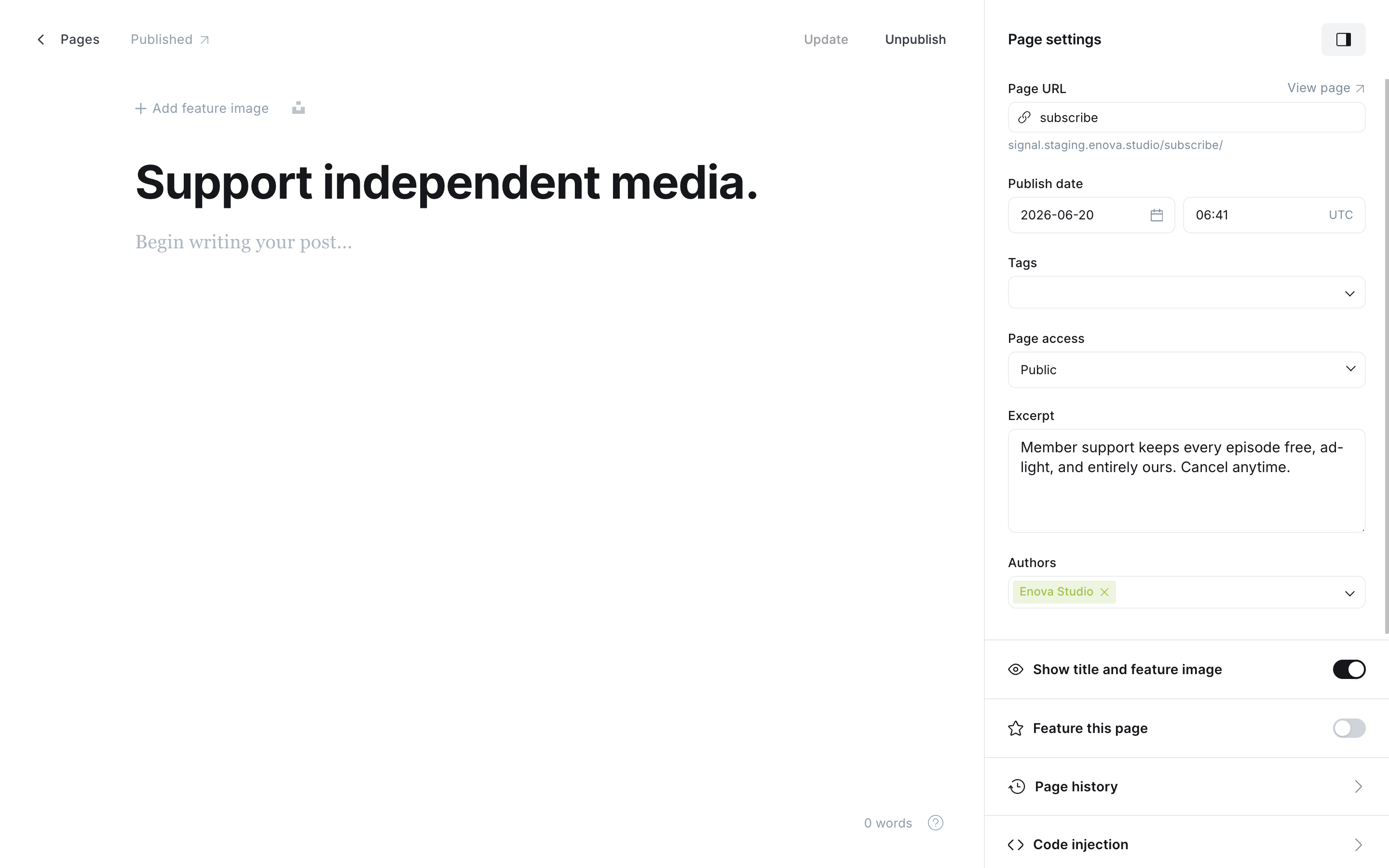
The Subscribe page at /subscribe/ is your show's one-stop "support us" destination. You don't design it: create the page and Signal assembles it from data you already have in Ghost.
Create a Page in Ghost, slug it subscribe (see Pages).
Give it a title and an excerpt. They become the page's heading and intro.
Publish. Everything below builds itself.
What's on the page
- Tiers: every paid tier you offer at signup, ordered by monthly price (lowest first), with its price, its description as the tagline, and its benefits as a checklist. The second tier is badged Popular. Each tier's button opens Ghost Portal checkout for the price shown. See Which price each tier shows.
- One-time donation: a "Make a one-time donation" link that opens Portal's support/tip flow.
- Listen links: your podcast platforms as tappable rows (see Listen links).
- Newsletter: Ghost's native subscribe form.
Tiers appear only when paid plans are live
The tier cards show only when your site has paid members enabled (a connected Stripe account in Ghost) and at least one price ticked under Available prices in the Signup portal settings. Without them, the page still offers free signup, listen links, and the newsletter. Set up tiers in Settings → Tiers; for the full walkthrough of tiers, Stripe, and Portal, follow Ghost's own guide.
Editing what the tiers say happens in Ghost, not the theme: each card's tagline is the tier's description and its checklist is the tier's benefits, both set in Settings → Tiers.
Which price each tier shows
The tier cards offer exactly what Ghost's own signup popup offers. In Ghost Admin open Settings → Membership → Signup portal → Customize, then the Signup options tab:
- Available tiers decides which tiers appear. Untick a tier there and it leaves this page and the homepage panel.
- Available prices decides the price on each card. With only Monthly ticked, cards show
$5 /month; with only Yearly,$50 /year. - With both ticked, each card shows the one you choose under Default price at signup. A tier without a yearly price always shows its monthly one.
- With neither ticked, the popup sells no paid plans, so the tier cards and the donation line are left out, just as when Stripe isn't connected.
Each card's button starts checkout for exactly the price it shows, so no listener can buy a price you've switched off.
Related
- Membership: sign-in, the newsletter, and members-only episodes across the site.
- Listen links: the platform rows on this page.