

Contact
Add a working contact form to Signal's Contact page with a Formspree (or any JSON) endpoint, reason chips, and a graceful mailto fallback when JavaScript is off.
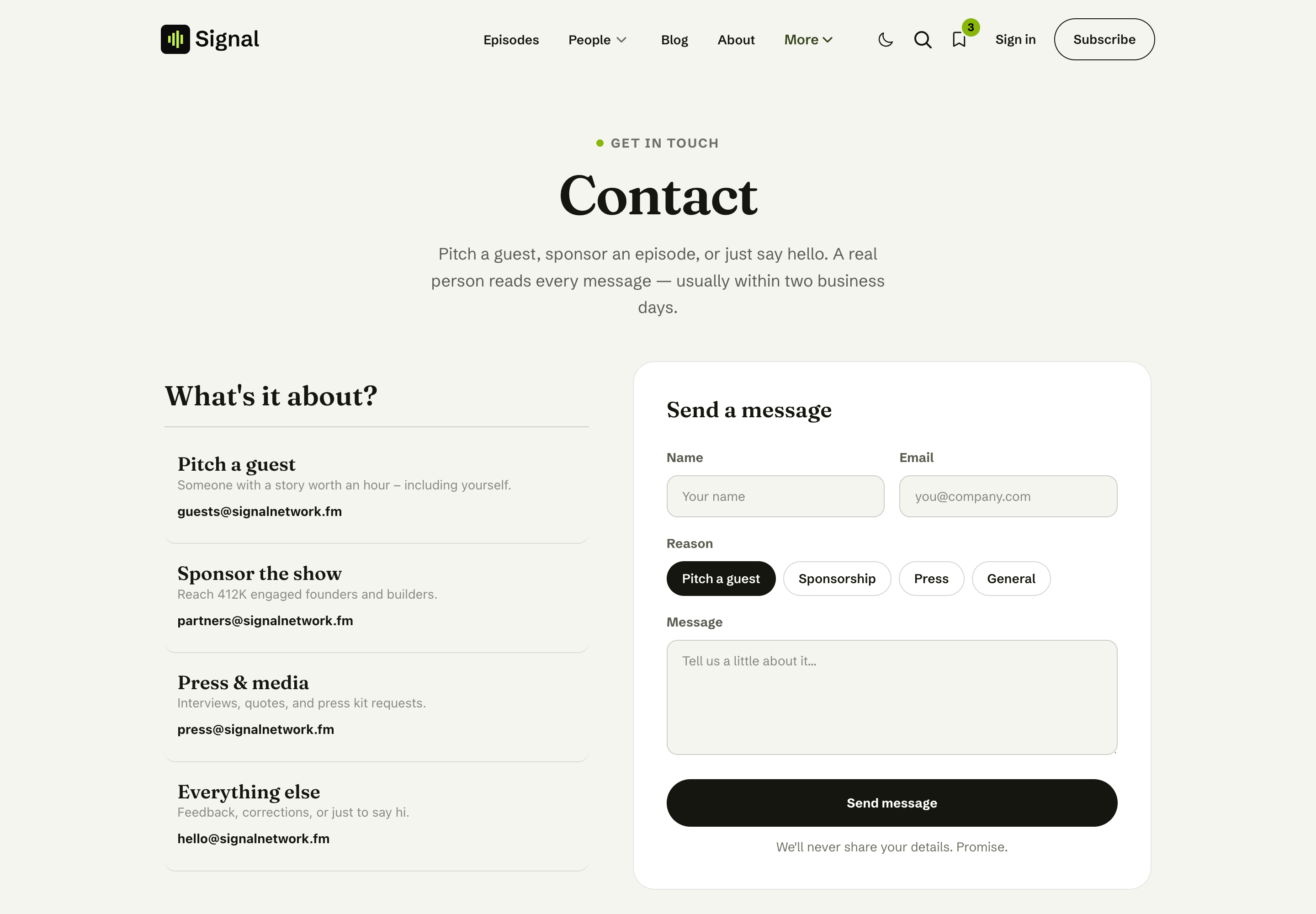
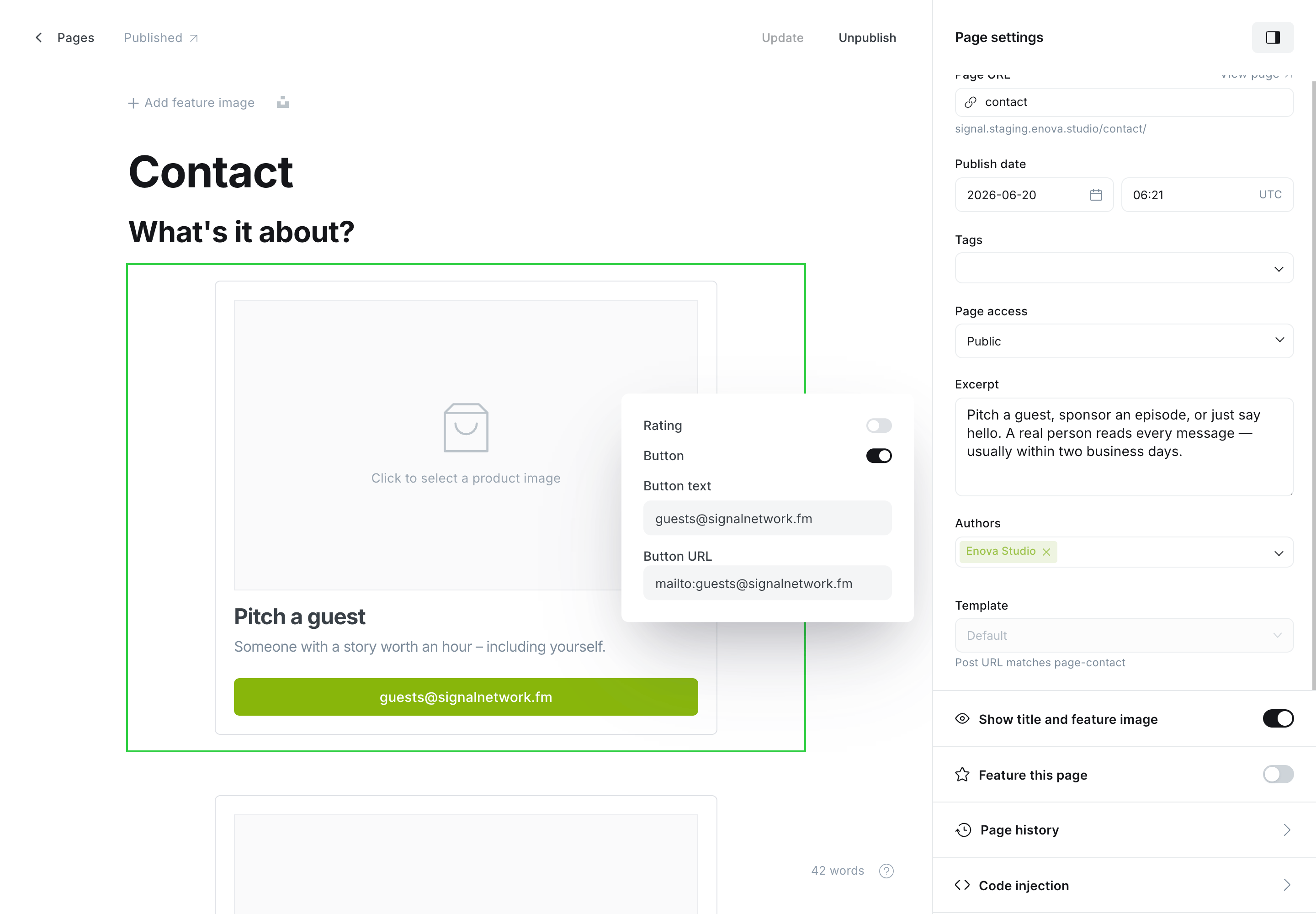
Signal's Contact page pairs your own "reasons to get in touch" with a working message form. Create a page slugged contact (see Pages); the page body becomes the left column, and the form sits on the right.
Set the form endpoint
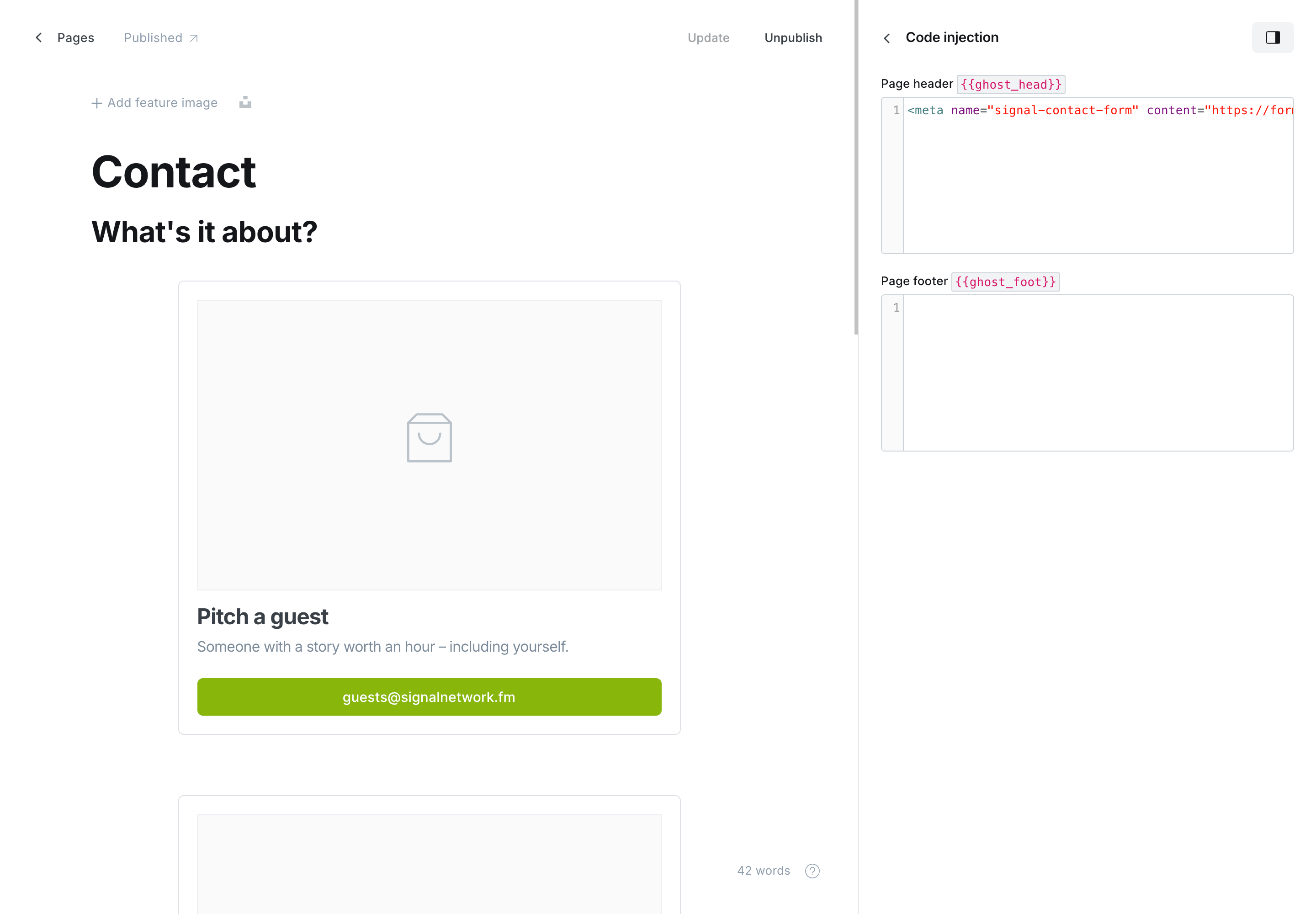
The form posts to a JSON form endpoint — Formspree works well — that you provide via a meta tag in the Contact page's Code Injection. It's never hardcoded in the theme.
Create your form endpoint (e.g. a new Formspree form) and copy its URL.
Open the Contact page in Ghost, go to Page settings → Code injection, and add this to Page header:
<meta name="signal-contact-form" content="https://formspree.io/f/XXXXXXXX">Save the page. The form now submits to your endpoint, with an inline success or error message — no page reload.
Contact page - Editor view
Contact page - Code injection
Reason chips
The form includes quick reason chips so messages arrive pre-labelled: Pitch a guest (the default), Sponsorship, Press, and General. The chosen reason is sent along with the message.
The mailto fallback
The left column is your page body — write it as a few "reasons" with email links (Ghost's product or button cards work well). If a visitor has JavaScript off, or you haven't set an endpoint yet, the form simply doesn't intercept and those email links remain the way to reach you.
Straight quotes only
Paste the meta tag into a plain-text field (or Ghost's Code Injection box directly). If an editor turns the quotes into "smart quotes", HTML won't read the tag.
Related
- Pages — create the Contact page.
- Social links — the social icons shown alongside your reasons.
Hosts
Signal's Hosts page at /hosts/, a roster of the voices behind the show, curated by the authors you assign, and shared with the homepage's Meet the hosts section.
Library
Signal's browser-local Library — visitors save episodes and resume watch progress with no account, from a bookmark button, a header widget, and the /library/ page.