Theme SettingsTheme
Homepage
Signal's homepage theme settings — choose one of six hero layouts for the top of your front page, from the latest episode to a cinematic cover.
Signal's homepage settings live in Ghost Admin under Settings → Design & branding → Customize → Theme → Homepage. They control the hero at the very top of your front page.
Home hero
Picks the layout of the homepage hero — the section at the very top of your front page.
- Latest episode (default) — features your newest episode.
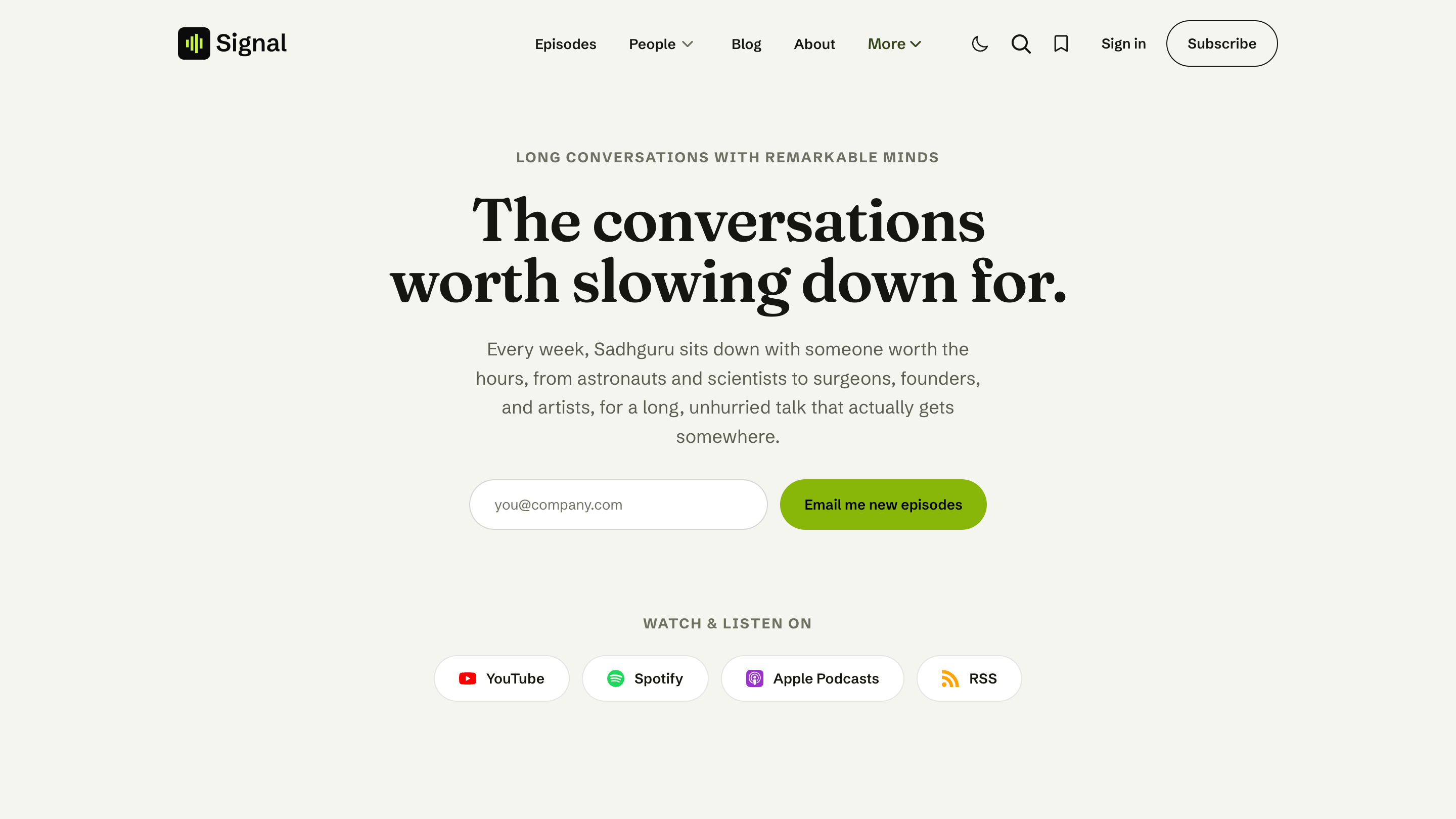
- Centered statement, Split portrait, Newsletter signup, Cinematic (framed), and Cinematic (full-width) — each reads its content from a Ghost page slugged
home-hero.
The full setup for every variant (and the home-hero page) is covered in Hero.
Latest episode (default)
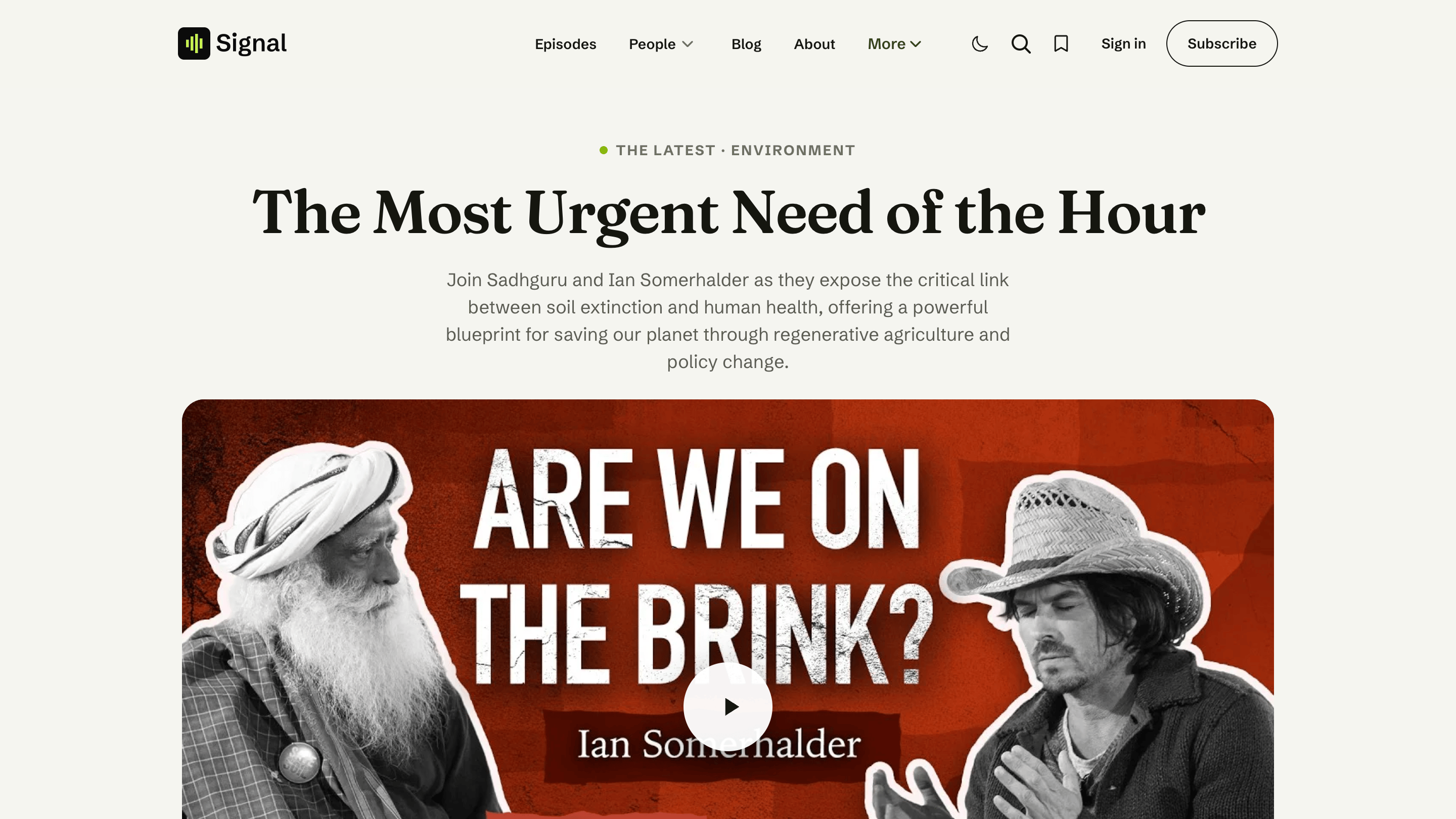
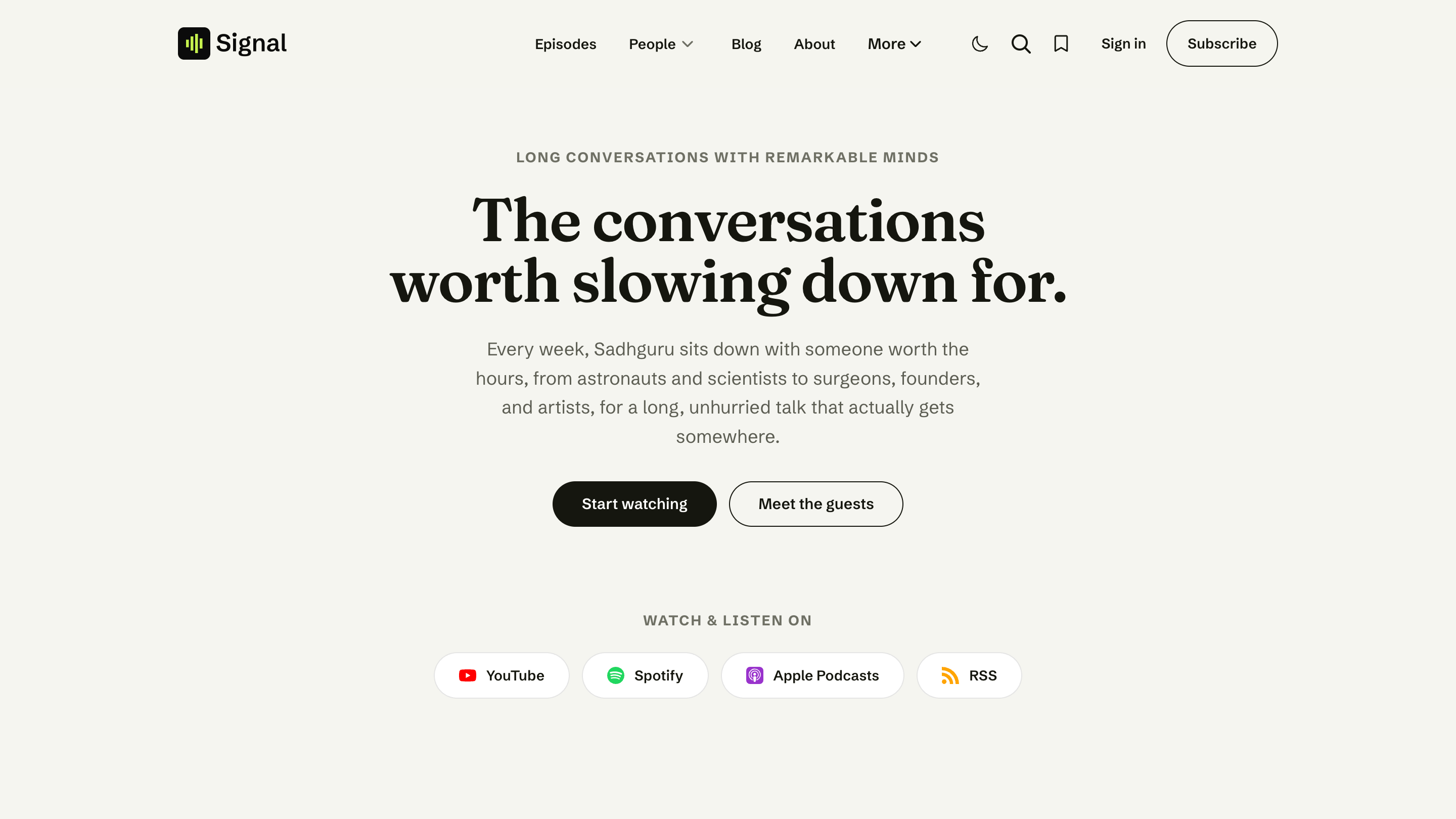
Centered statement
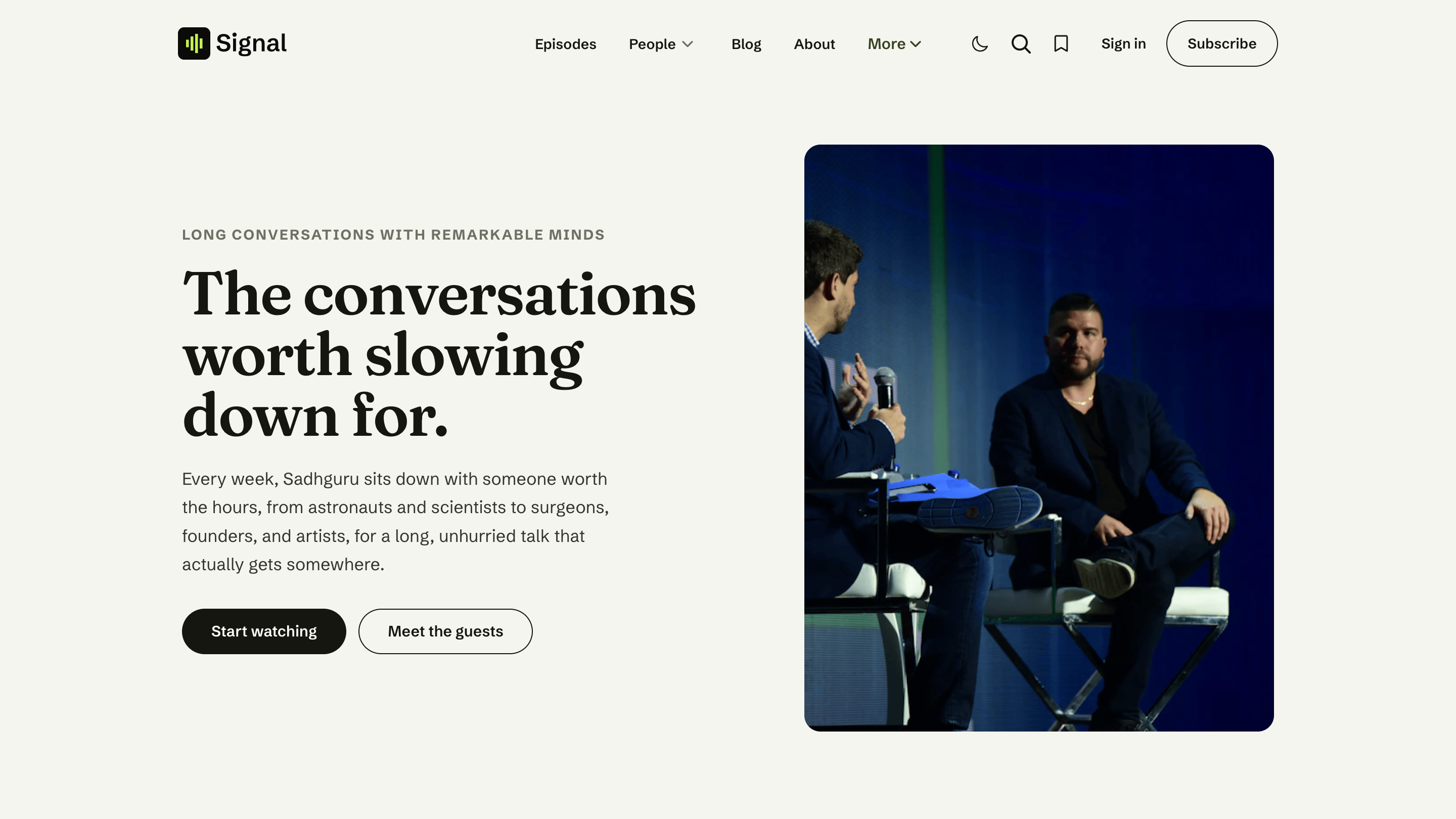
Split portrait
Newsletter signup
Cinematic (framed)
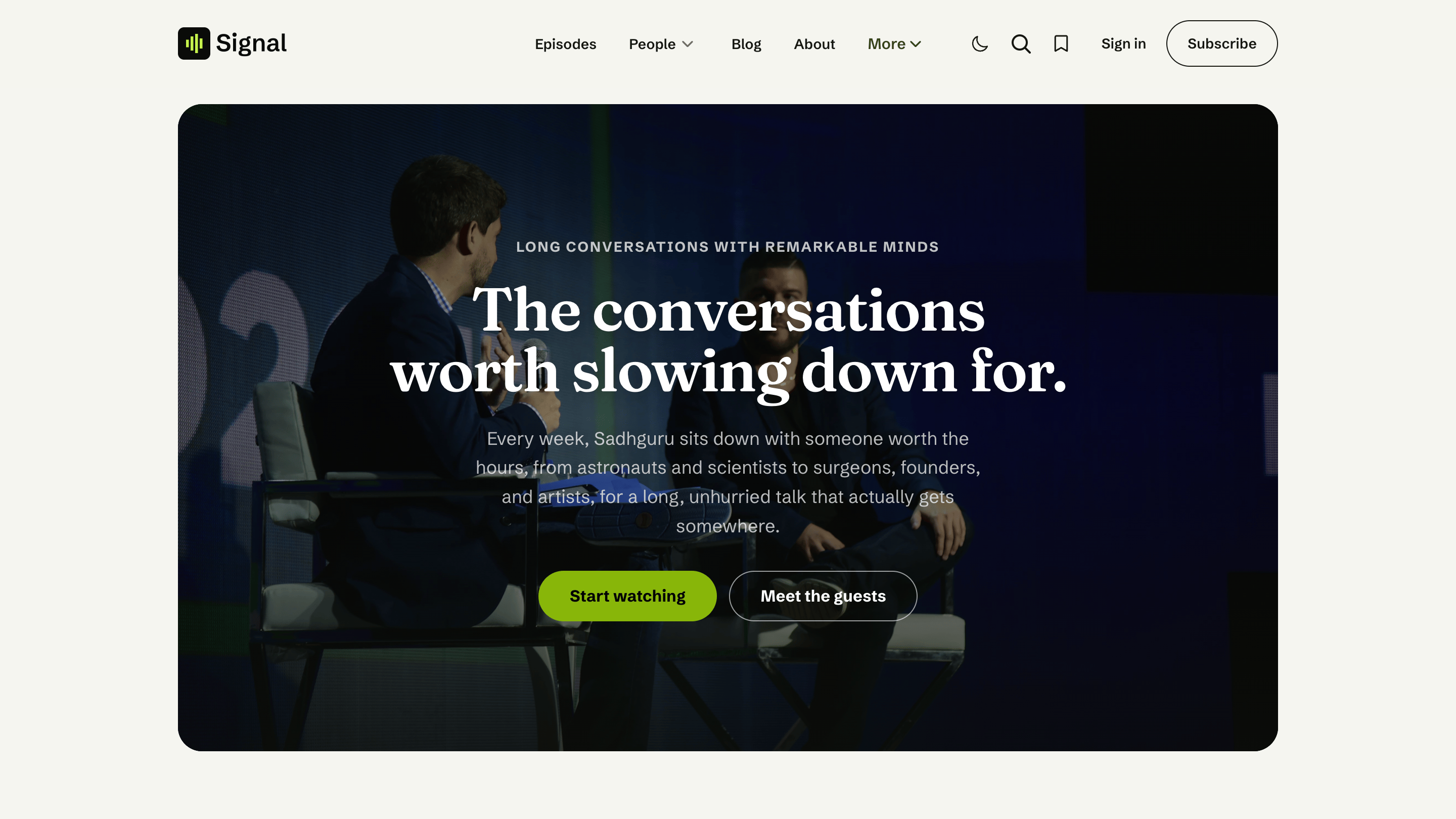
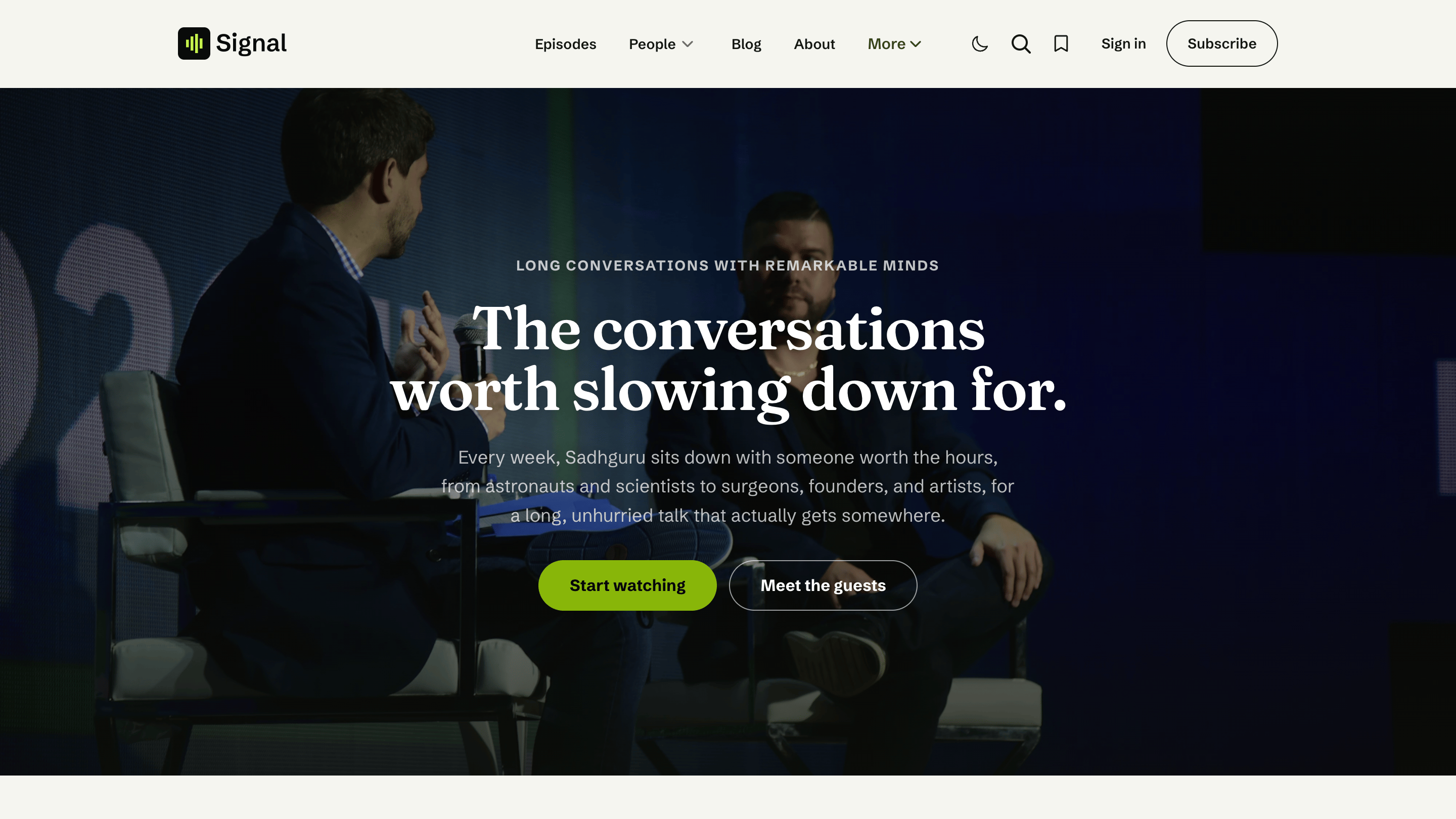
Cinematic (full-width)